Basic operations
15-GB
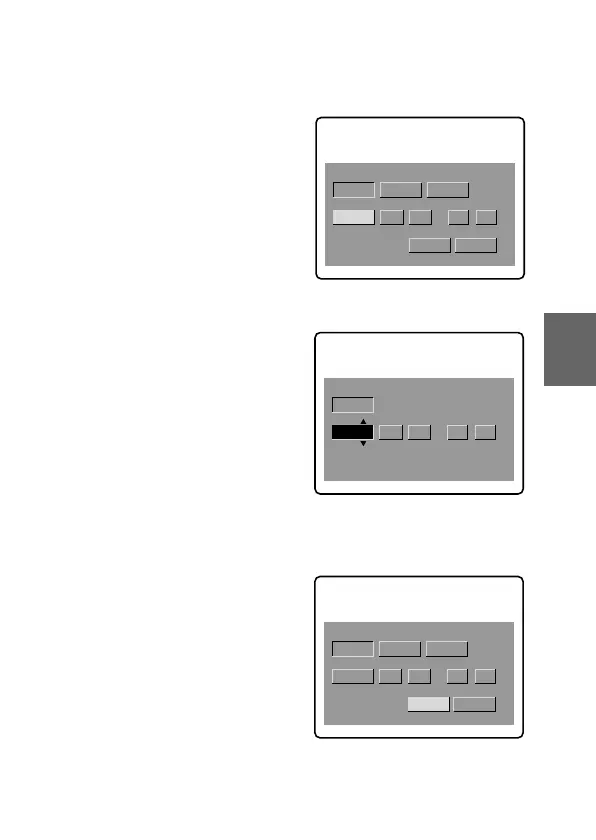
3 Select the desired display of the date with the control
button, then press it.
Y/M/D (year/month/day)
M/D/Y (month/day/year)
D/M/Y (day/month/year)
4 Select the date and time with the control button, then
press it.
The item to be changed is
indicated with 4/$. Select
number by pressing the upper
side or lower side of the control
button, then press it to enter the
number.
After entering the number, 4/$
moves to the next item.
When “D/M/Y” is selected, set
the time on a 24-hour cycle.
5 Select “ENTER” with the control button, then press it
at the desired moment to begin clock movement.
CLOCK SET
D/M/Y
M/D/YY/M/D
1998 1 8 10:20
AM
ENTER
CANCEL
CLOCK SET
D/M/Y
M/D/YY/M/D
1998 10 10 10:20
AM
CANCEL
ENTER
D/M/Y
M/D/Y
ENTER
CANCEL
CLOCK SET
Y/M/D
1998
1 8 10:20
AM



 To Next Page
 Loading...









