14-GB
÷ Preparation
Setting the date and time
When you use the camera first, set the date and time.
The date and time are necessary for MS-DOS format recording. If
they are not set, incorrect date and time are recorded, and CLOCK
SET screen in step 3 appears whenever you turn on the camera in
STILL/MOVIE mode.
1 Slide POWER down to turn on the power.
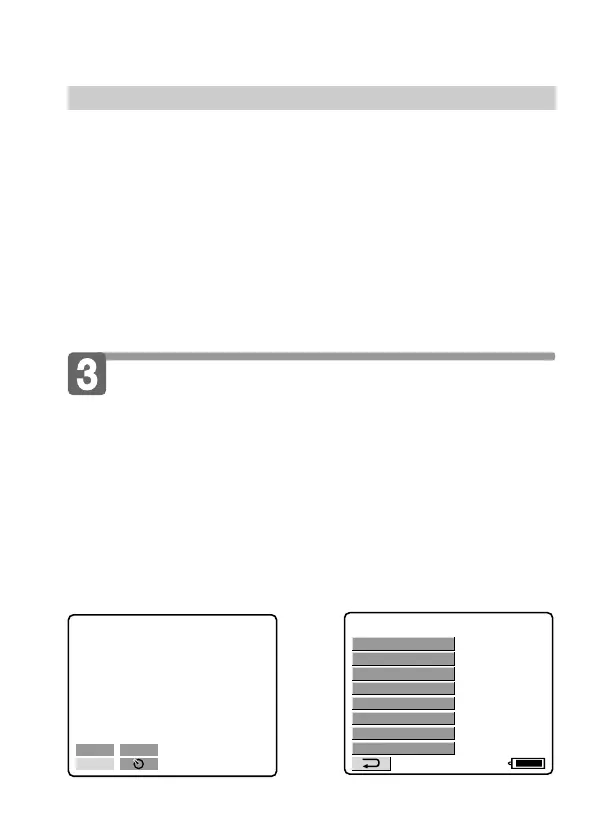
2 Select “CLOCK SET” in MENU with the control button,
then press it.
About the power source
This camera can be powered from the following two power sources:
•InfoLITHIUM battery* NP-F330 (supplied)/F530 (not supplied)/
F550 (not supplied)
•AC power adapter AC-V700 (not supplied)
When you use the camera for a long time, we recommend you to
power the camera from a wall outlet with the AC power adaptor.
* “InfoLITHIUM” battery pack
The “InfoLITHIUM” is a lithium ion battery pack which can exchange data
with compatible equipment about its battery consumption.
”InfoLITHIUM” is a trademark of Sony Corporation.
120min
CLOCK SET
BEEP
DISK TOOL
FILE NUMBER
FLASH LEVEL
IMAGE SIZE
QUALITY
REC MODE
÷
–EV
+
EV
MENU



 To Next Page
 Loading...









