Advanced operations
29-GB
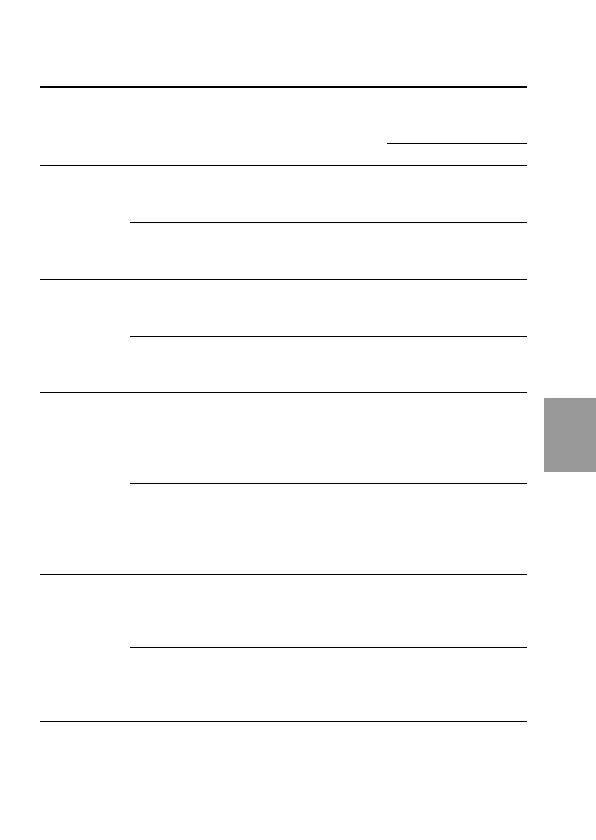
No. of images that
Recording Image Recorded file File name can be recorded
mode size (ex.)** on a floppy disk
MVC– STANDARD FINE
NORMAL 1024 JPEG (1024 × 768) 001L.JPG
× 10 – 16 6 – 8
768 For index screen 001L.411
640 JPEG (640 × 480) 001S.JPG
× 25 – 40 15 – 20
480 For index screen 001S.411
E-MAIL 1024 JPEG (1024 × 768) 001L.JPG
× JPEG (320 × 240) 001E.JPG 9 –14 5 – 7
768 For index screen 001L.411
640 JPEG (640 × 480) 001S.JPG
× JPEG (320 × 240) 001E.JPG 20 – 35 12 – 15
480 For index screen 001S.411
VOICE 1024 JPEG (1024 × 768) 001L.JPG
× MPEG audio with
768 still image 001A.MPG 4 – 9 3 – 6
(320 × 240)
For index screen 001L.411
640 JPEG (640 × 480) 001S.JPG
× MPEG audio with
480 still image 001A.MPG 5 – 14 4 – 10
(320 × 240)
For index screen 001S.411
BITMAP* 1024 JPEG (1024 × 768) 001L.JPG
× Non-compress
001L.BMP 1 1
768 (640 × 480)
For index screen 001L.411
640 JPEG (640 × 480) 001S.JPG
× Non-compress
001S.BMP 1 1
480 (640 × 480)
For index screen 001S.411
* The non-compressed image in BITMAP mode is 640 × 480 size regardless of
IMAGE SIZE in the MENU settings.
**If you record images in FINE quality mode, the last character of file name
will be “X” or “F”. (ex. MVC-001X.JPG)



 To Next Page
 Loading...









