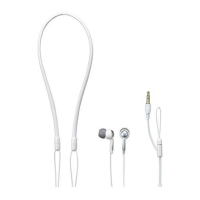
Using
Additional
Headphones .
In
this system,
by
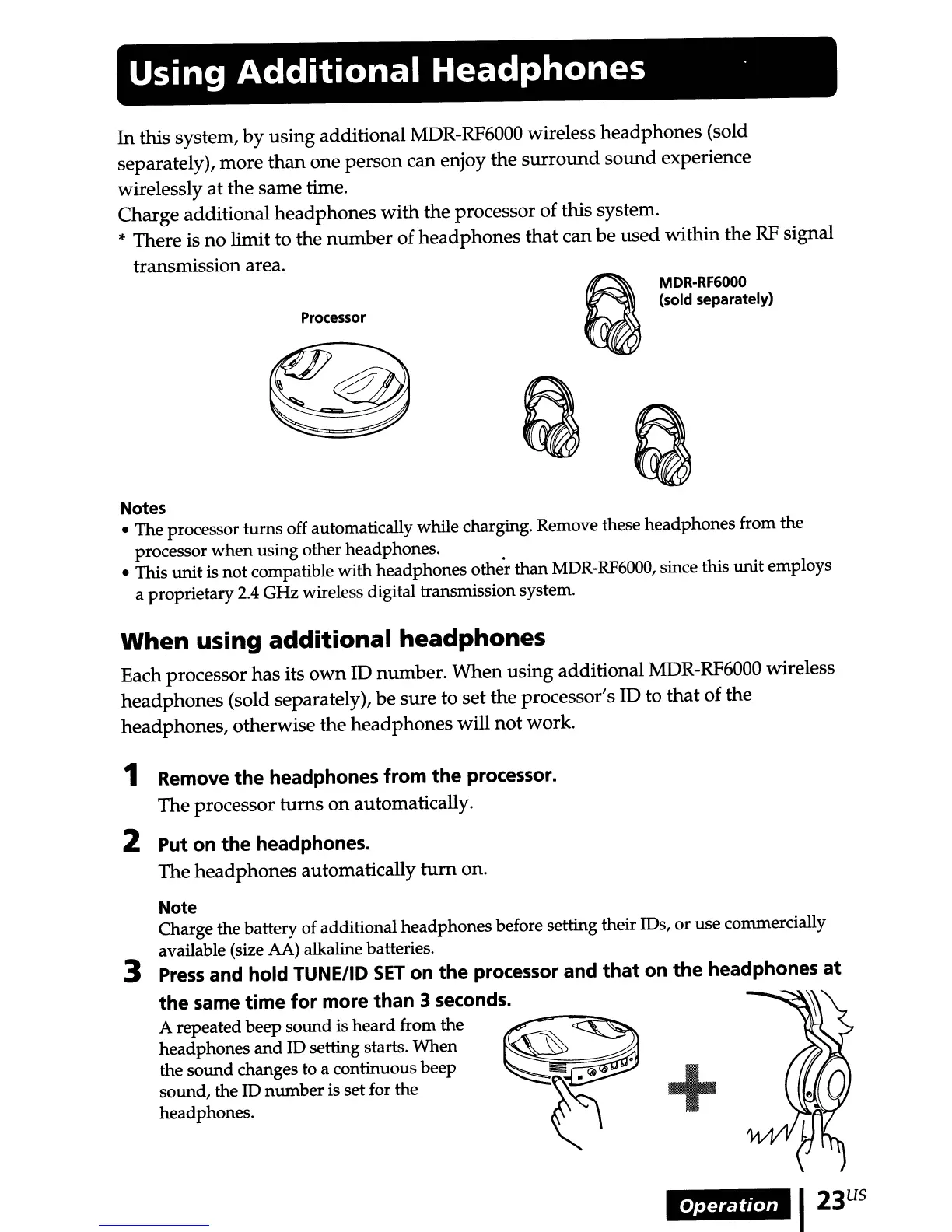
using additional MDR-RF6000 wireless headphones (sold
separately), more
than
one person can enjoy the
surround
sound
experience
wirelessly at the same time.
Charge additional headphones with the processor of this system.
* There is
no
limit to the
number
of headphones that can be used within the
RF
signal
transmission area.
Processor
~
MDR-RF6000
~
(sold separately)
QQ
Notes
• The processor turns off automatically while charging. Remove these headphones from the
processor
when
using other headphones.
• This
unit
is
not
compatible with headphones
othe~
than MDR-RF6000, since this unit employs
a proprietary2.4 GHz wireless digital transmission system.
When using additional headphones
Each processor has its
own
ID number. When using additional MDR-RF6000 wireless
headphones (sold separately),
be
sure to set the processor's ID to
that
of the
headphones, otherwise the headphones will not work.
1 Remove
the
headphones from
the
processor.
The processor
turns
on
automatically.
2 Put on
the
headphones.
The headphones automatically
tum
on.
Note
Charge the battery of additional headphones before setting their IDs, or use commercially
available (size AA) alkaline batteries.
3
Press
and hold TUNE/ID
SET
on
the
processor and
that
on
the
headphones
at
the
same
time
for
more than 3 seconds.
A repeated beep sound is heard from the
headphones
and
ID setting starts. When
the sound changes to a continuous beep
+
sound, the ID number is set for the
headphones.
Operation
I23
US



 To Next Page