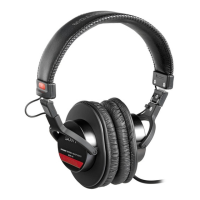
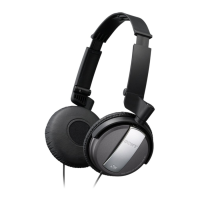
Headphone Part Descriptions
1
t---------~
[I]
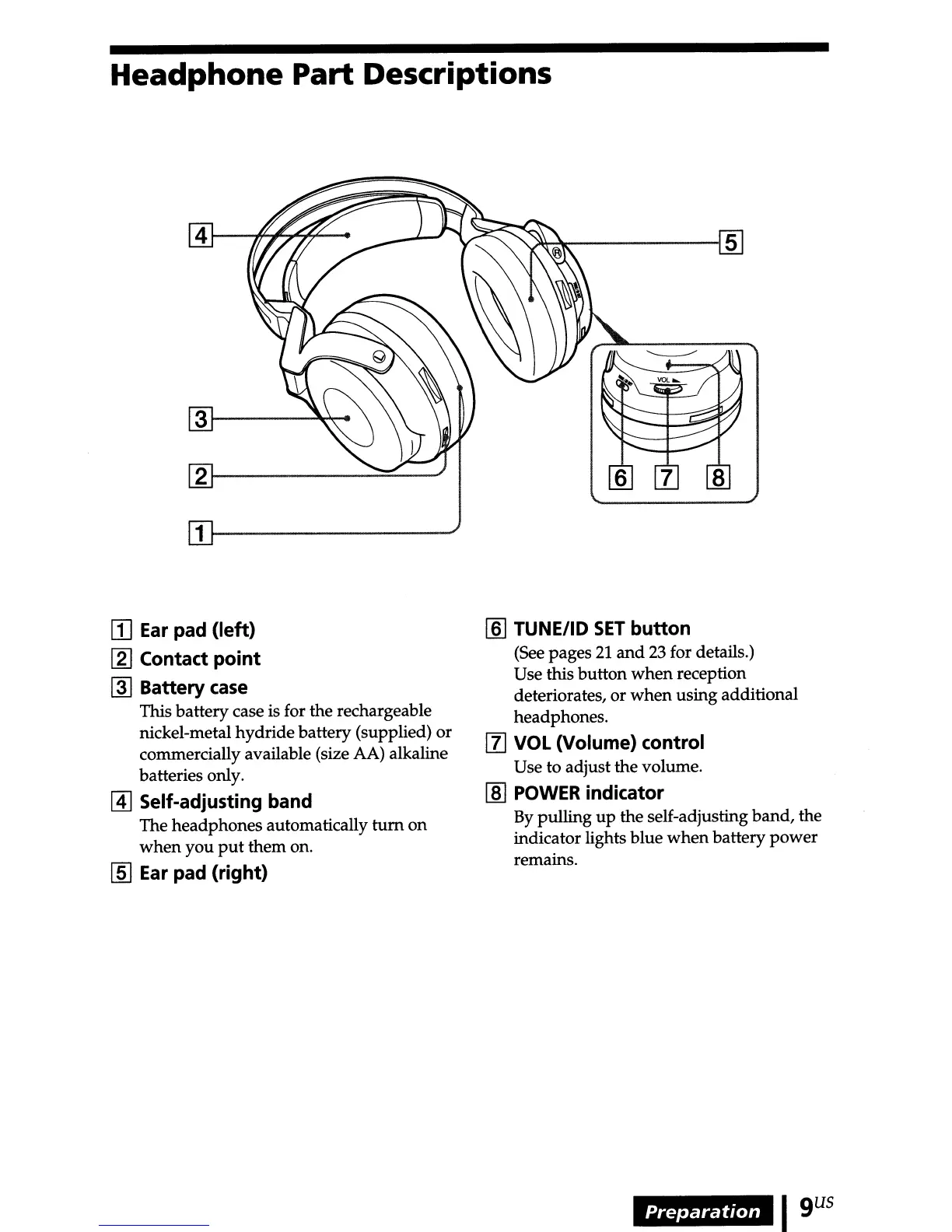
Ear pad (left)
[2]
Contact point
~
Battery
case
This batterycase is for the rechargeable
nickel-metal hydridebattery (supplied) or
commercially available (size AA) alkaline
batteries only.
@]
Self-adjusting band
The headphones automatically
turn
on
when
you
put
them on.
[§]
Ear pad (right)
[§] TUNE/ID
SET
button
(See pages
21
and
23
for details.)
Use this button
when
reception
deteriorates,
or
when
using additional
headphones.
[l]
VOL (Volume) control
Use to adjust the volume.
[ID
POWER indicator
By
pulling
up
the self-adjusting band, the
indicator lights blue
when
battery
power
remains.
Preparation
Igus



 To Next Page