Symptom
The
DOLBY
PRO
LOGIC
II
indicator
does
not
tum
on
The
DOLBY
PRO
LOGIC
II
indicator
turns on
The
Drs
indicator
does not
tum
on
MPEG-2AAC
indicator does not
light up.
The battery
cannot be
charged
The CHG indicator
blinks.
RF
signal
transmission does
not stop. (when the
INPUT SELECT
switch on the
processor is set
to "ANALOG")
Cause
and
remedy
~
The
EFFECT
switch on the processor is set to "OFF."
~
Analog input signal, digital
input
PCM signal, Dolby Digital2-channel signal
or
MPEG-2 AAC 2-channel signal is not input.
~
The
EFFECT
switch on the processor is set to "CINEMA"
or
"MUSIC" mode.
~
Analog
input
signal, digital
input
PCM signal, Dolby Digital2-ehannel signal
or
MPEG-2 AAC 2-channel signal is input.
~
The
DTS
digital
output
setting
on
the
DVD
device (including game machines)
is set to "OFF."
• See the instruction manual of your DVD device,
and
change the
Drs
digital
output
setting to "ON."
~
Playback signals are
not
recorded in
Drs
format.
~
The audio for the chapter being played is
not
a
DTS
signal.
~
The DVD device does not support
DTS
format.
• Use a DVD device that supports
Drs.
~
Playback signals are not recorded
in
MPEG-2 AAC format.
~
Check
if
the CHG indicator
turns
on.
If
not,
put
the headphones
on
the
processor correctly so that the CHG indicator
turns
on.
~
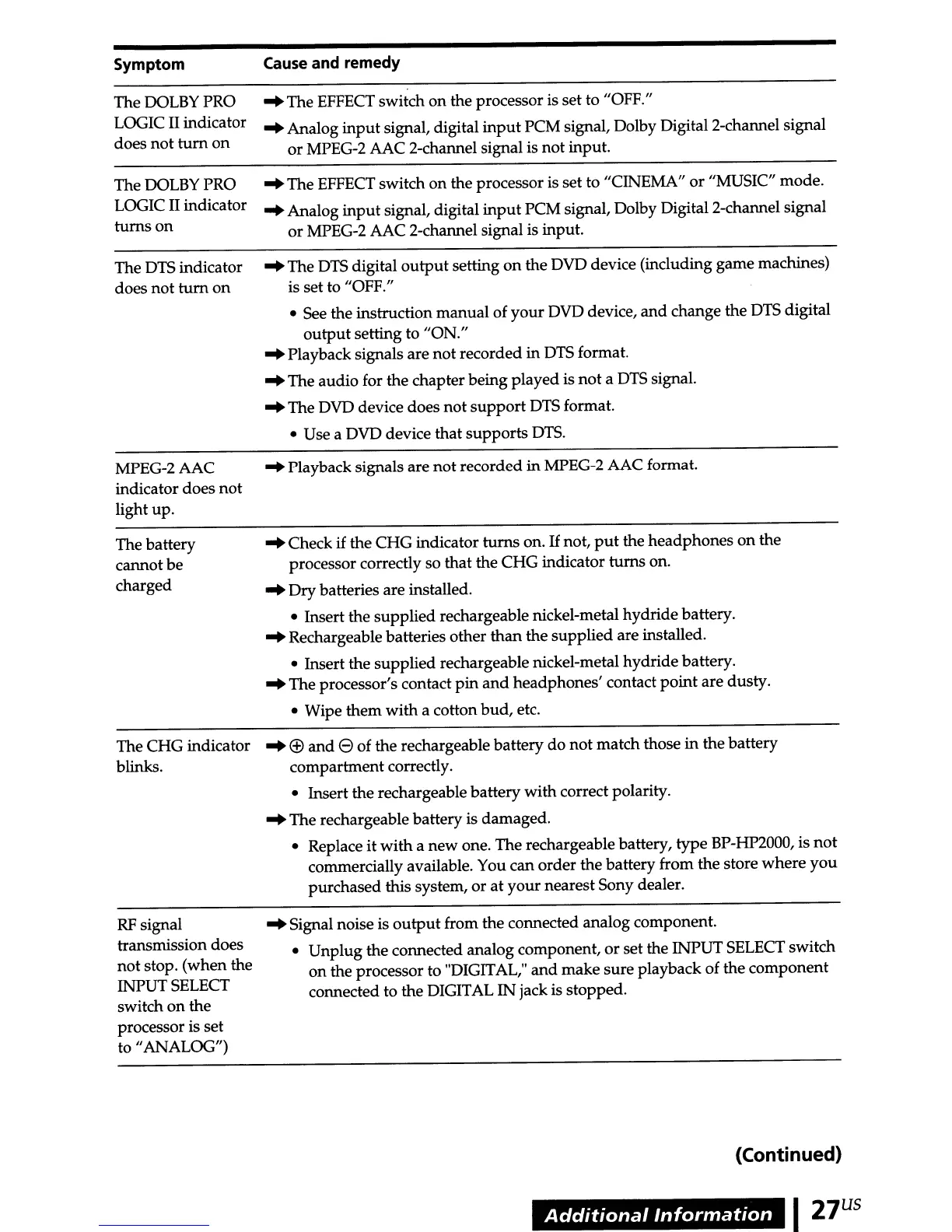
Dry batteries are installed.
• Insert the supplied rechargeable nickel-metal hydride battery.
~
Rechargeable batteries other than the supplied are installed.
• Insert the supplied rechargeable nickel-metal hydride battery.
~
The processor's contact
pin
and
headphones' contact point are dusty.
• Wipe them with a cotton bud, etc.
~
®
and
e of the rechargeable battery do not match those
in
the battery
compartment correctly.
• Insert the rechargeable battery with correct polarity.
~
The rechargeable battery is damaged.
• Replace it with a new one. The rechargeable battery, type BP-HP2000, is
not
commercially available. You can order the battery from the store where
you
purchased this system,
or
at
your nearest Sony dealer.
~
Signal noise is
output
from the connected analog component.
• Unplug the connected analog component,
or
set the INPUT
SELECT
switch
on
the processor to "DIGITAL,"
and
make sure playback of the component
connected to the DIGITAL IN jack is stopped.
(Continued)
Additional
Information
I
27
US



 To Next Page