22
Adjusting the
microphone echo
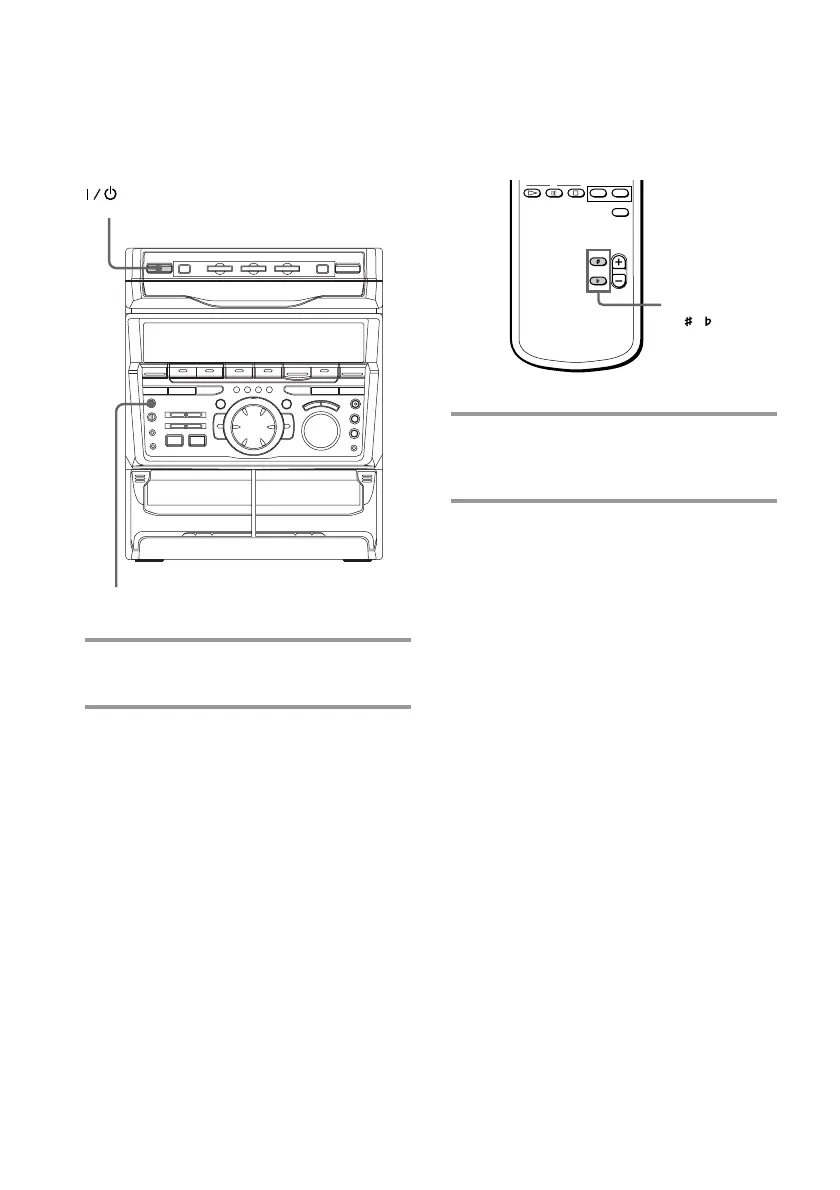
/ Turn ECHO LEVEL to adjust the
echo effect.
To cancel the echoing
Turn ECHO LEVEL to MIN.
Adjusting the key
This function allows you to adjust the key to
suit your vocal range when playing a VIDEO
CD or standard audio CD.
/ Press KEY CONTROL n or ˜ .
You can adjust the key higher of lower in
13 halftone steps (˜6 ~ n6).
ECHO LEVEL
6 6
KEY
CONTROL
/
(Power)
Singing along: Karaoke
(continued)



 To Next Page