43
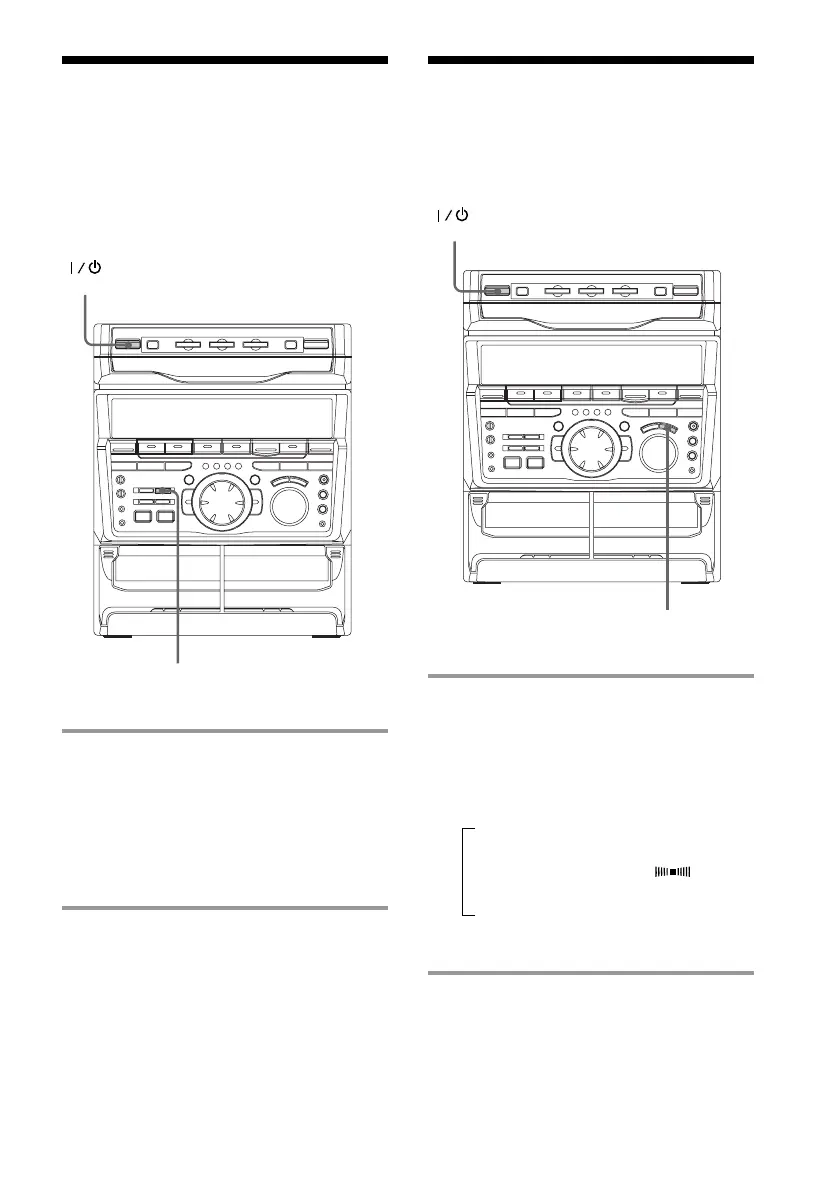
Changing the
spectrum analyzer
display
You can enjoy changing the display while
listening to the music.
/ Press SPECTRUM ANALYZER.
Every time you press the button, the
display changes as follows:
IMAGE PATTERN
NORMAL PATTERN
SPECTRUM
ANALYZER
6 6
(Power)
CINEMA SPACE/
SURROUND
6 6
(Power)
˜
Selecting the
surround effect
You can enjoy the surround effect.
/ Press CINEMA SPACE/
SURROUND repeatedly to select the
surround effect you desire.
Every time you press the button, the
display changes as follows:
n CINEMA SPACE*
µ
SURROUND ON (SUR )
µ
SURROUND OFF
* CINEMA SPACE is the surround effect for
movies.
Notes
• When you choose other sound effects, the
surround effects will be cancelled.
• When you choose CINEMA SPACE, you cannot
adjust effect levels.



 To Next Page