MP-CL1A 3-MPA-011-01
13
EN
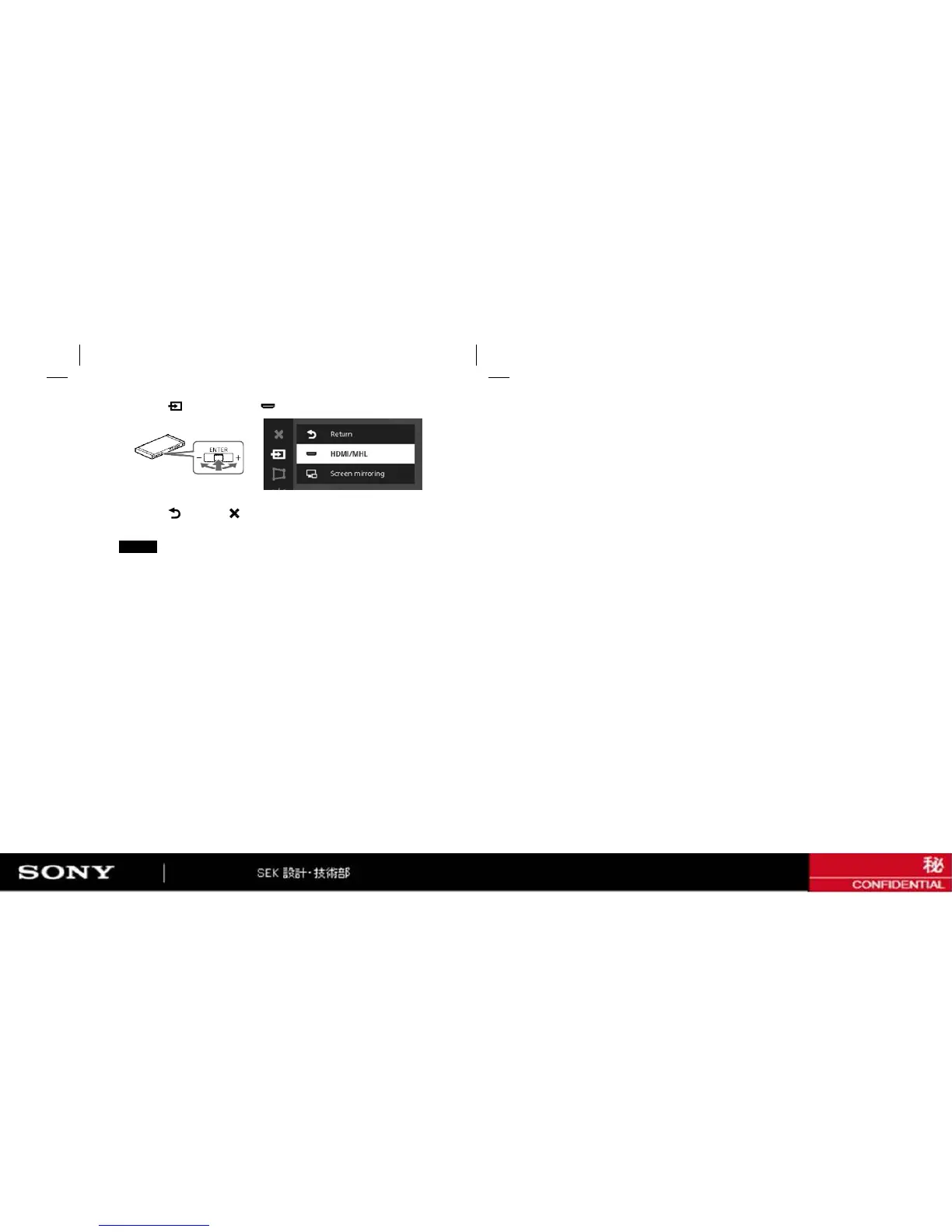
4 Select [ Return] - [ ] to exit the menu.
The content of the connected device is projected.
3 Select [ Input change] - [ HDMI/MHL] in the menu.
Notes
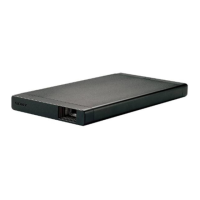
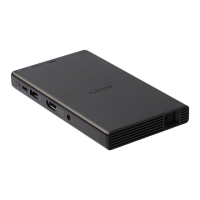
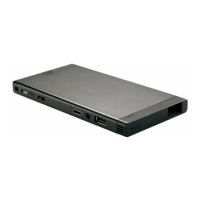
• Not all video devices have HDMI connectivity or MHL connectivity. To
see if your video device has any of these capabilities, check its specifi
cations or contact its manufacturer.
• Apple devices require an Apple Digital AV adapter (sold separately).
• Depending on the specification of the AC adaptor or the projecting
contents, the battery remaining may decrease while connecting to
the AC adaptor.


 To Next Page