MP-CL1A 3-MPA-011-01
12
EN
3 Enable the screen mirroring function of your device.
A list of connectable devices is displayed on the screen of your
device.
For details, refer to the instruction manual of your device.
4 Select the projector (MP-CL1A) in the list.
5 Select [ Return] - [ ] in the menu of the projector to exit the
menu.
The screen of the connected device is projected.
Notes
• Screen mirroring utilizes Miracast technology. Therefore, a connectio
n can be formed with devices that comply with Miracast. It is necessa
ry for the transmitting device to support HDCP (High- bandwidth Dig
ital Content Protection) 2.0/2.1/2.2.
• Apple devices cannot connect via screen mirroring. It requires an
Apple Digital AV adapter (sold separately).
• Depending on the specification of the AC adaptor or the projecting
contents, the battery remaining may decrease while connecting to
the AC adaptor.
Connecting via HDMI or MHL cable
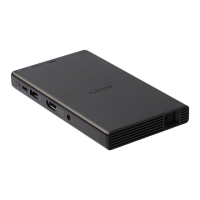
1 Connect other devices to the HDMI/MHL IN jack using an HDMI
cable (sold separately) or MHL cable (sold separately).
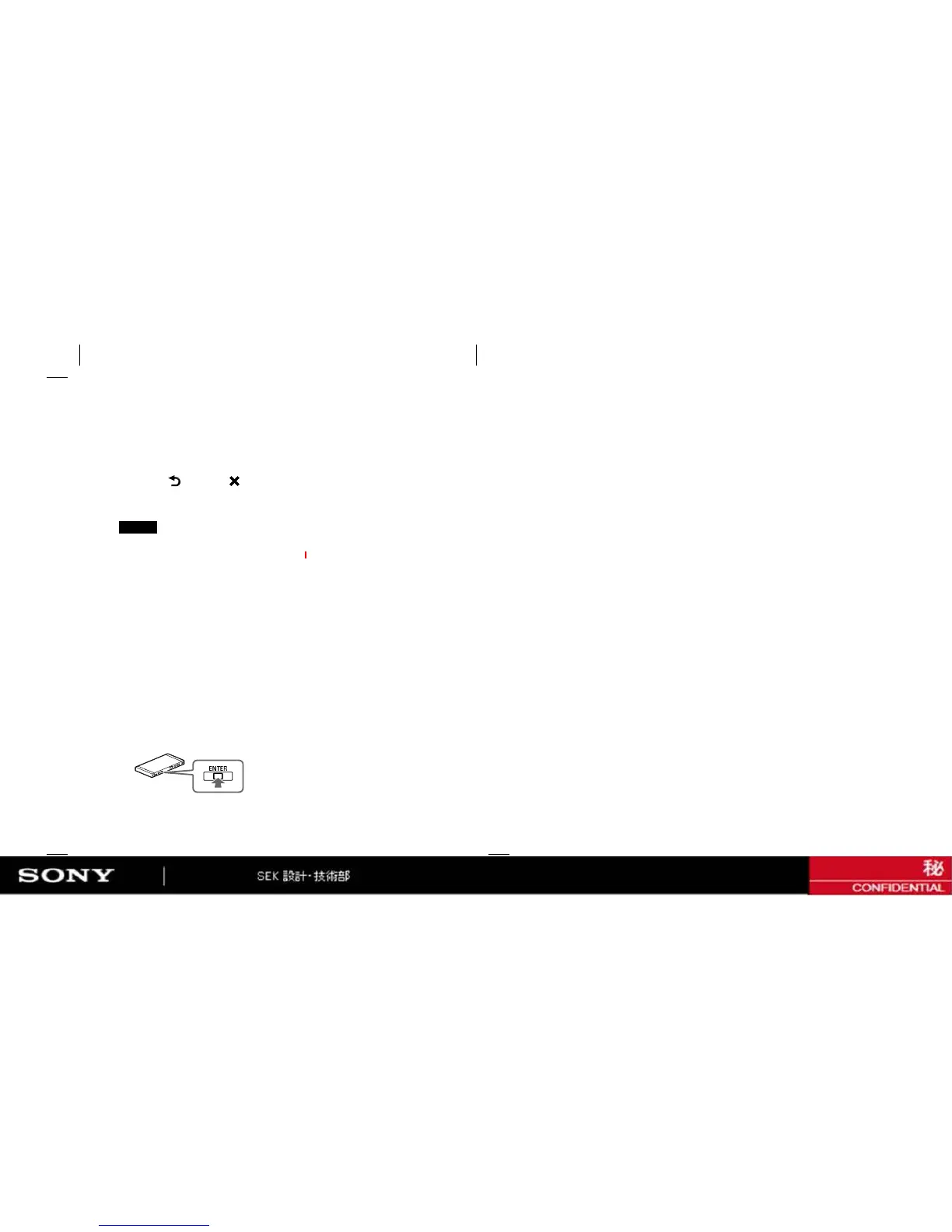
2 Press the jog lever while at the “ENTER” position to display the
menu of the projector.


 To Next Page