25
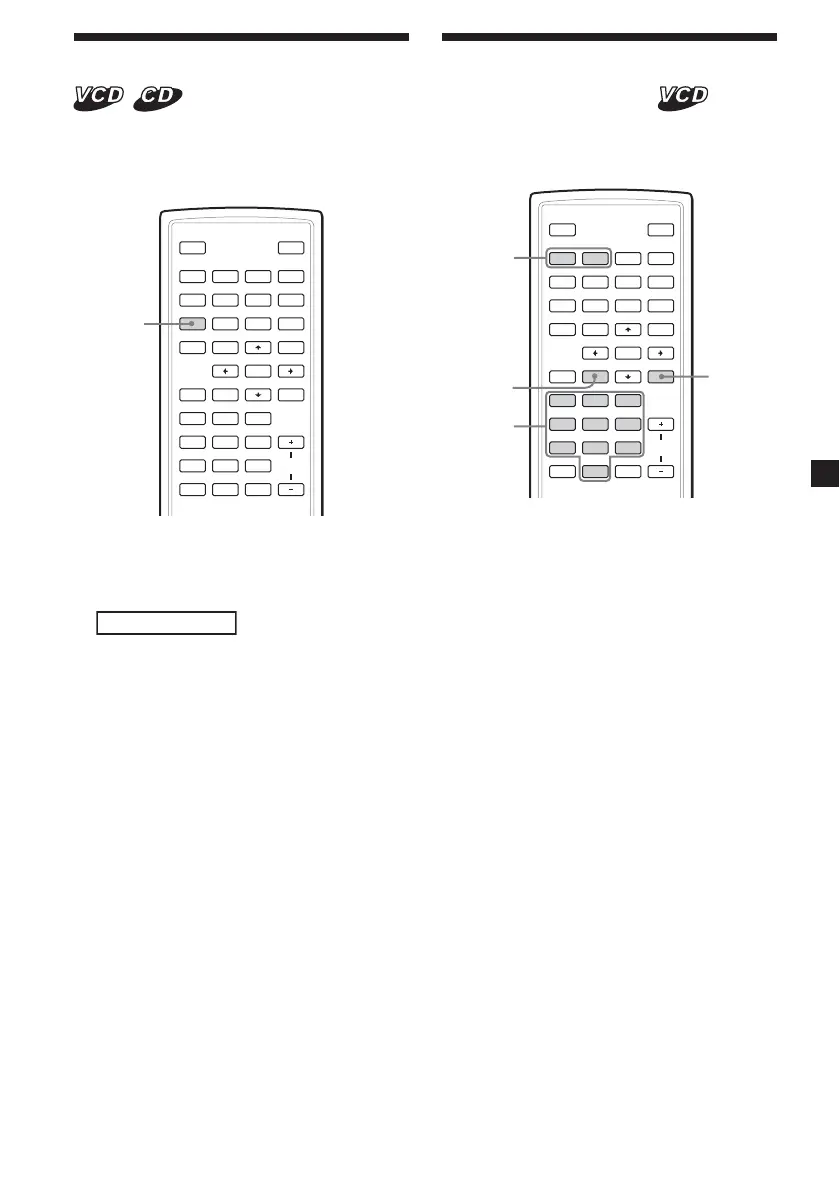
Using the PBC (playback
control) function
During playback of a PBC compatible Video
CD, you can display the PBC menu and select
the item from the menu.
SOURCE
AUDIO
`/1
VOL
1
4
7
2
5
8
0
3
6
9
ENTER
SUBTITLE
SETUP MENU
TOP MENU
SEARCH
O
PROGRAM
ANGLE
CLEAR DSPL
REP
ux>.
y
y
Mm
./>
PROGRAM
O
1 Start playback a video CD with PBC
functions.
The menu for your selection appears.
2 Press the number buttons to select the
number of the desired item.
3 Follow the instructions in the menu for
interactive operations.
Refer to the instructions supplied with the
disc, as the operating procedure may differ
depending on the Video CDs.
To return to the menu
Press O.
Tip
To play without using PBC, press (TOP MENU).
“PBC Off” appears on the TV screen and the player
starts continuous play.
To return to PBC playback, press (TOP MENU)
again.
Notes
• During playback of a Video CD with “PBC ON,”
press ./> to change the item. The PBC
menu is not displayed but the item you selected
starts to play.
• During playback of a Video CD with “PBC ON,”
press O to display the PBC menu and the B
mark.
Changing the audio output
You can select the desired audio output from
“Stereo”, “Mono Left”, “Mono Right” or “Mix-
Mono” during Video CD or Audio CD
playback.
SOURCE
AUD IO
`/1
VOL
1
4
7
2
5
8
0
3
6
9
ENTER
SUBTITLE
SETUP MENU
TOP MENU
SEARCH
O
PROGRAM
ANGLE
CLEAR DSPL
REP
ux>.
y
y
Mm
AUDIO
1 During playback, press (AUDIO).
The current output is displayed at the
upper left.
Example: an audio output display
Mono Right
2 Press (AUDIO) to select the desired
output from “Stereo”, “Mono Left”,
“Mono Right” or ”Mix-Mono” while the
output is displayed.
Each time you press (AUDIO), the output
switches.
Number
buttons















 To Next Page