32
Settings by using the
S-MENU button on the
monitor
You can make settings for the monitor by
using (S-MENU) on the monitor.
Each time you press (S-MENU), the setting
screen changes in the following sequence:
Picture t Brightness t Color t Hue*
1
t
Dimmer t Video Adjust t Mode t Blue
Back t IR Headphone t FM Transmitter
t DVD LEVEL REVISION t SYSTEM
MENU Off.
*
1
“Hue” appears only when the NTSC color system
is selected as the input source (page 31).
Note
While making the following settings, the VOL +/–
buttons on the card remote commander can be
used to adjust the volume.
How to set preference
1 Press (S-MENU) on the monitor
repeatedly to select desired item.
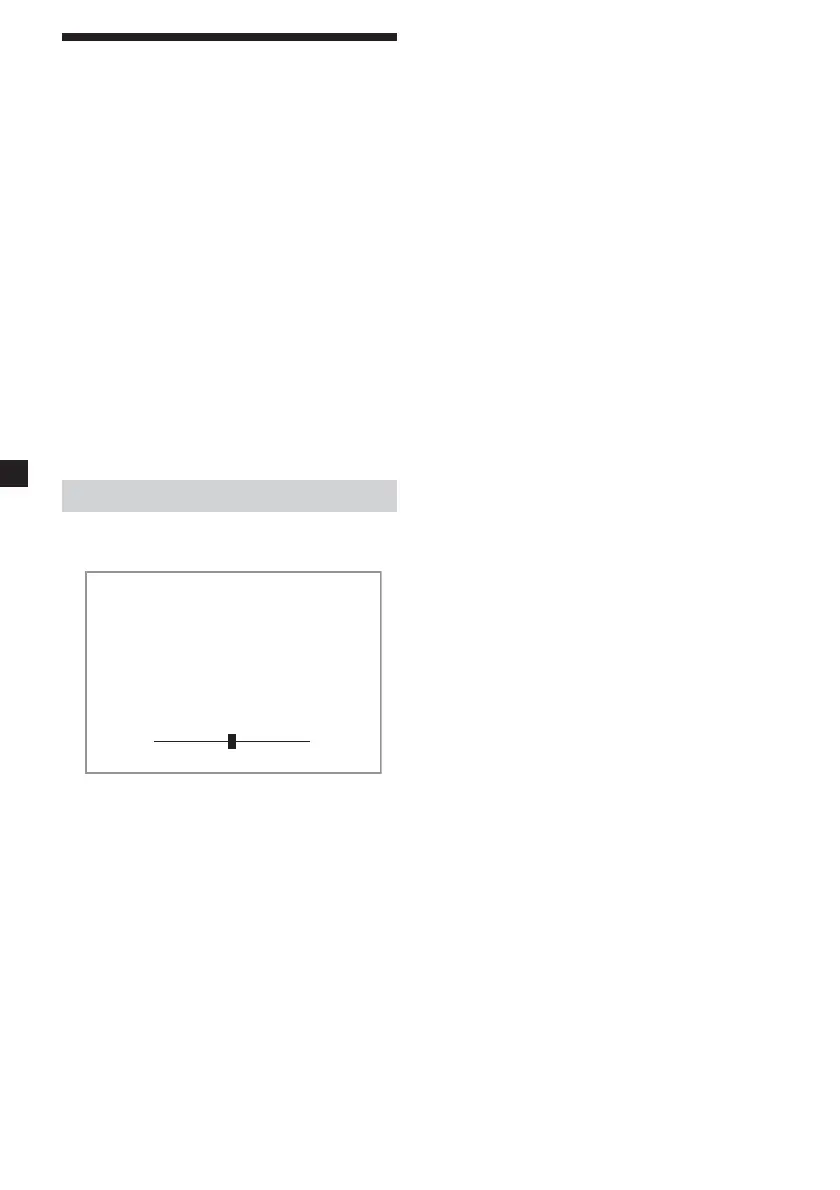
Press +/- or S-MENU.
Picture 28
2 Press (VOLUME) (+) or (VOLUME) (–) on
the monitor to select (or adjust) the
setting option.
Exiting the menu operation
1 Press (S-MENU) on the monitor
repeatedly until the “SYSTEM MENU
OFF” appears.
2 Press (S-MENU) on the monitor again.
The normal screen resumes.
When 5 seconds elapse with no button
pressed, normal display resumes.















 To Next Page