29
Language settings for
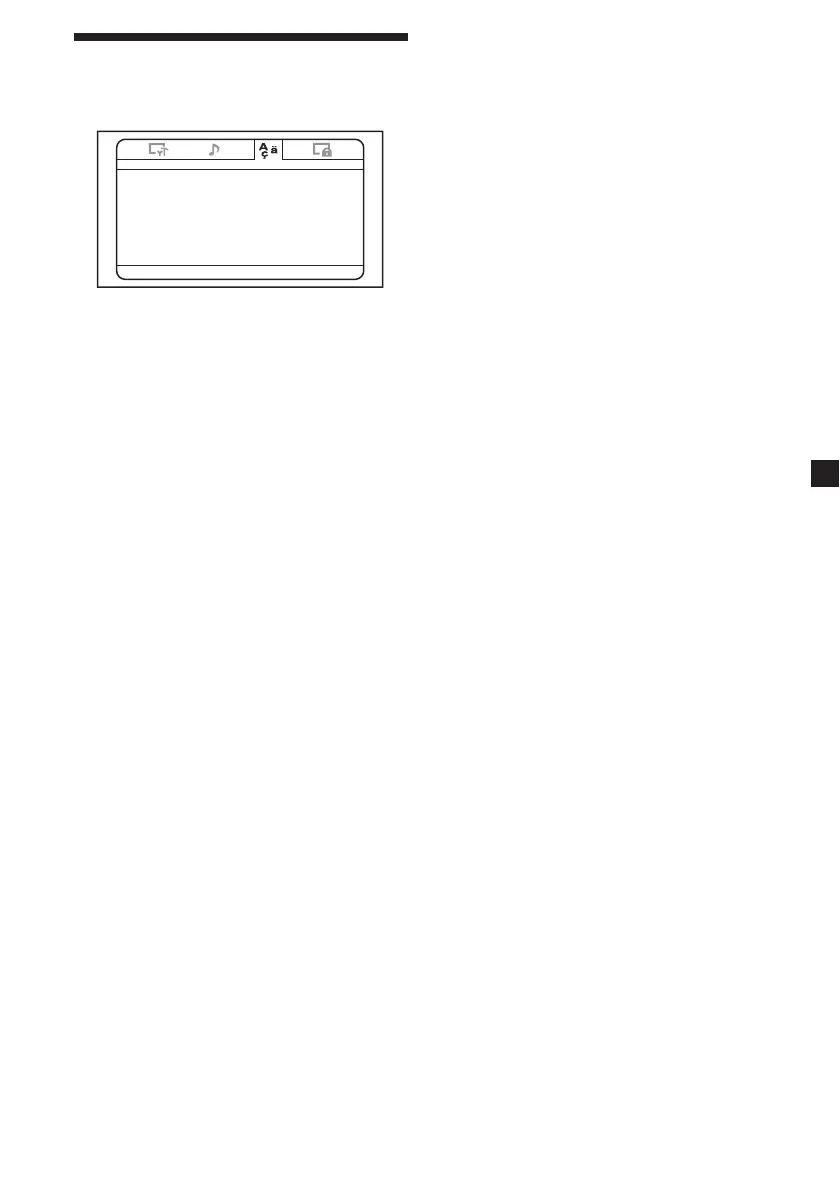
DVD playback - Language Page
-- Language Setup Page --
OSD EN G
Menu EN G
Sebtitle E NG
Audio
Select:<, Set:Enter Quit:SETUP
ENG
♦ OSD
Switches the language used for the menus on
the screen.
♦ Menu
You can select the desired language for the
disc’s menu.
Note
Regardless of your setting, the language other
than you set may be automatically activated,
depending on the DVD.
♦ Subtitle
Switches the language for the subtitle recorded
on the DVD VIDEO.
Note
Regardless of setting to the desired language,
other language may be automatically activated,
depending on the DVD.
♦ Audio
Switches the language of the sound track.
When you select “Original”, the language
given priority in the disc is selected.
Notes
• Regardless of your setting, the language othe
than you set may be automatically activated,
depending on the DVDs.
• Some DVDs are prohibited to change the audio
language output, even if multiple languages are
recorded.















 To Next Page