30
Settings for the Parental
Control - Parental Setup page
When you set the password for the first time,
be sure to set the parental control together.
Selecting the Parental
Control mode on and off -
Parental Control
1 Press (SETUP).
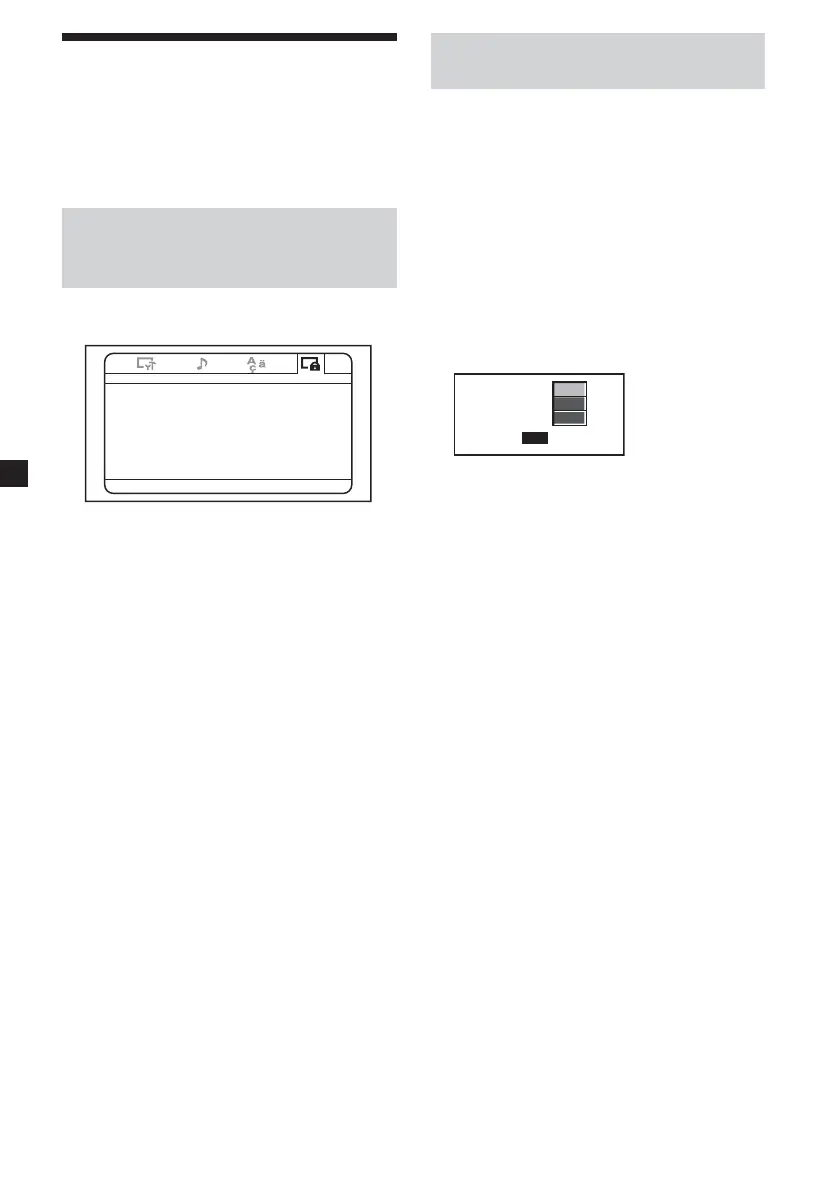
-- Parental Setup Page --
Parental Control Of f
Password
Level -
Select:<, Set:Enter Quit:SETUP
2 Press < or , button repeatedly until
“Parental Setup Page” appears on the
screen.
3 Press (ENTER).
4 Press M or m button repeatedly to select
“Parental Control”, then press (ENTER).
5 Press M or m button repeatedly to select
“On” or “Off”, then press (ENTER).
6 Press (SETUP) to exit the Setup menu.
Setting the password -
Password
1 Press (SETUP), then press < or ,
button repeatedly until “Parental Setup
Page” appears on the screen.
2 Press (ENTER).
3 Press M or m button repeatedly to select
“Password”, then press (ENTER).
4 Press the number buttons to enter
“5370”.
The player is ready to accept a new
password.
OK
Old Password
New Password
Confirm PWD
5 Press the number buttons to enter a new
password.
6 Press the number buttons to enter the
password again to confirm.
7 Press (SETUP) to exit the Setup menu.
Note
If you forget your registered password, enter
“5370”.















 To Next Page