58
Editing
Protecting recorded images (Protect)
Protect movies and still images to avoid
deleting them by mistake.
1 Press the MENU button when the
VISUAL INDEX screen is
displayed.
2 Select (EDIT) t [PROTECT]
with the SEL/PUSH EXEC dial.
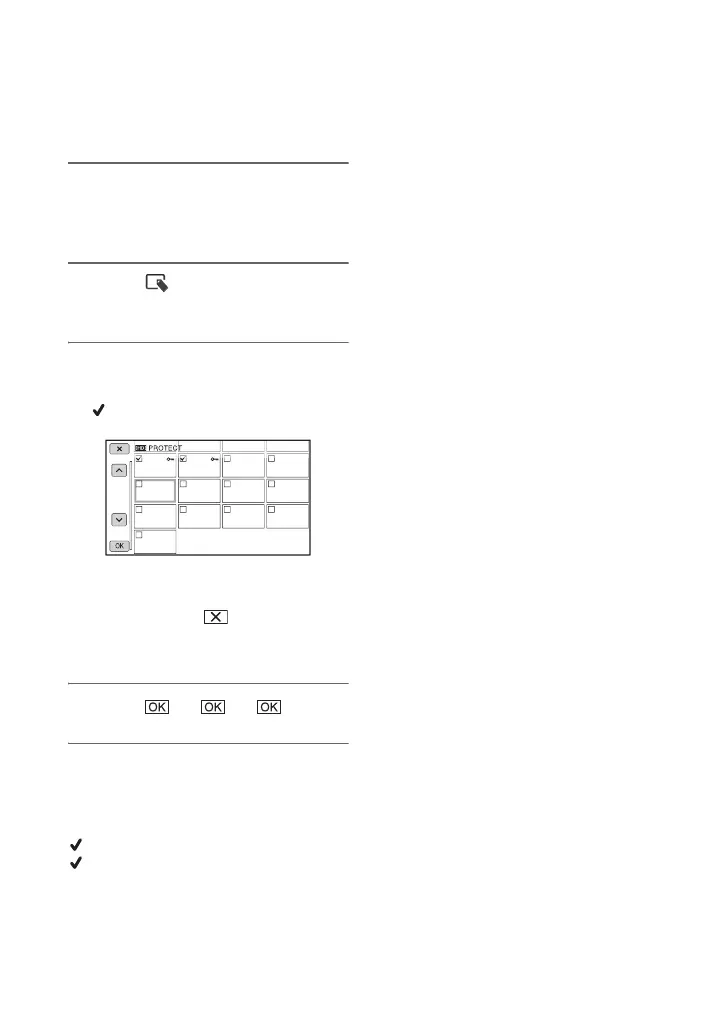
3 Touch the movies or still images
to be protected.
is displayed on the selected images.
z Tips
• Press and hold the image down to preview
the image. Touch to return to the
previous screen.
• You can select up to 100 images at one time.
4 Touch t t .
To undo the protection of movies and
still images
Touch the movie or still image marked with
in step 3.
disappears.












 To Next Page