60
Dividing a movie
You can divide a movie at a designated
point.
1 Press the MENU button while
playing back movies.
2 Select (EDIT) t [DIVIDE]
with the SEL/PUSH EXEC dial.
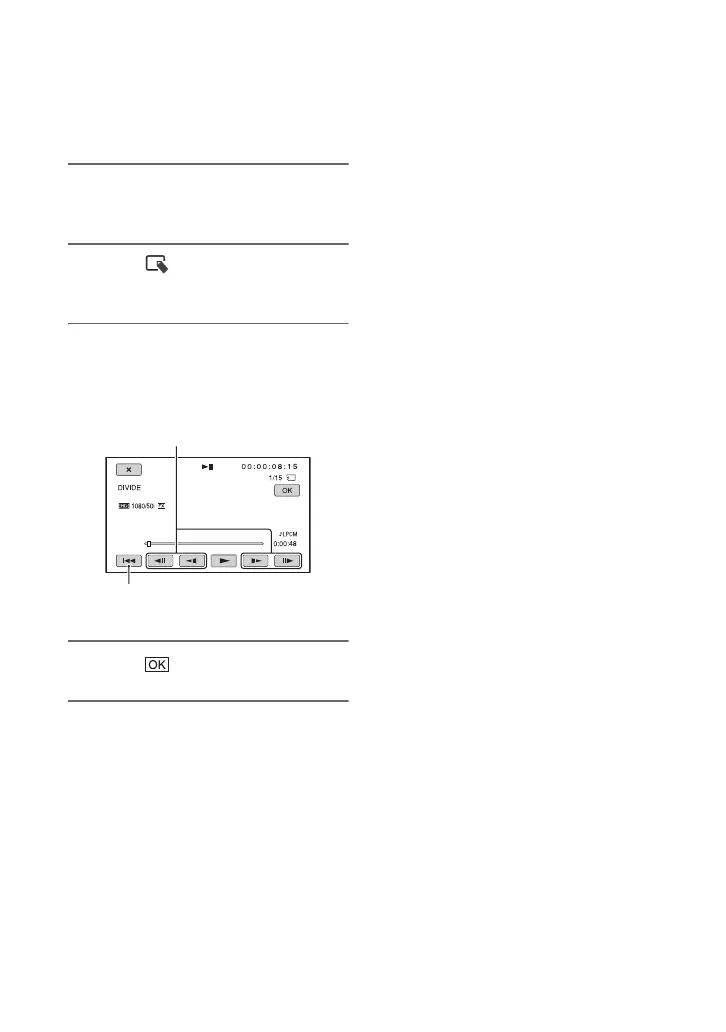
3 Touch X at the point where you
want to divide.
4 Touch .
b Notes
• You cannot restore movies once they are
divided.
• Do not remove the battery pack, the AC
Adaptor/Charger or the recording media that
contains the movies from your camcorder
during the operation. It may damage the
recording media.
• A slight difference may occur from the point
where you touch X and the actual dividing
point, as your camcorder selects the dividing
point based in about half-second increments.
z Tips
• Only simple editing is available on this
camcorder. Use commercially available editing
software for more advanced editing.
Returns to the beginning of the selected
movie.
After you select the point with X, make
fine adjustment with these buttons.












 To Next Page