61
Editing
Deleting movies and still images
You can free media space by deleting
movies and still images from recording
media.
b Notes
• You cannot restore images once they are
deleted.
• Do not remove the battery pack, the AC
Adaptor/Charger or the recording media that
contains the movies or still images from your
camcorder during the operation. It may damage
the recording media.
• You cannot delete protected movies and still
images. Undo the protection of the movies and
still images, before you try to delete them
(p. 58).
• Save important movies and still images in
advance (p. 87).
z Tips
• You can select up to 100 images at one time.
• To delete all data recorded on the recording
media and recover all the recordable space of
the media, format the media (p. 63).
1 Press the MENU button when the
VISUAL INDEX screen is
displayed.
2 Select (EDIT) t [DELETE]
with the SEL/PUSH EXEC dial.
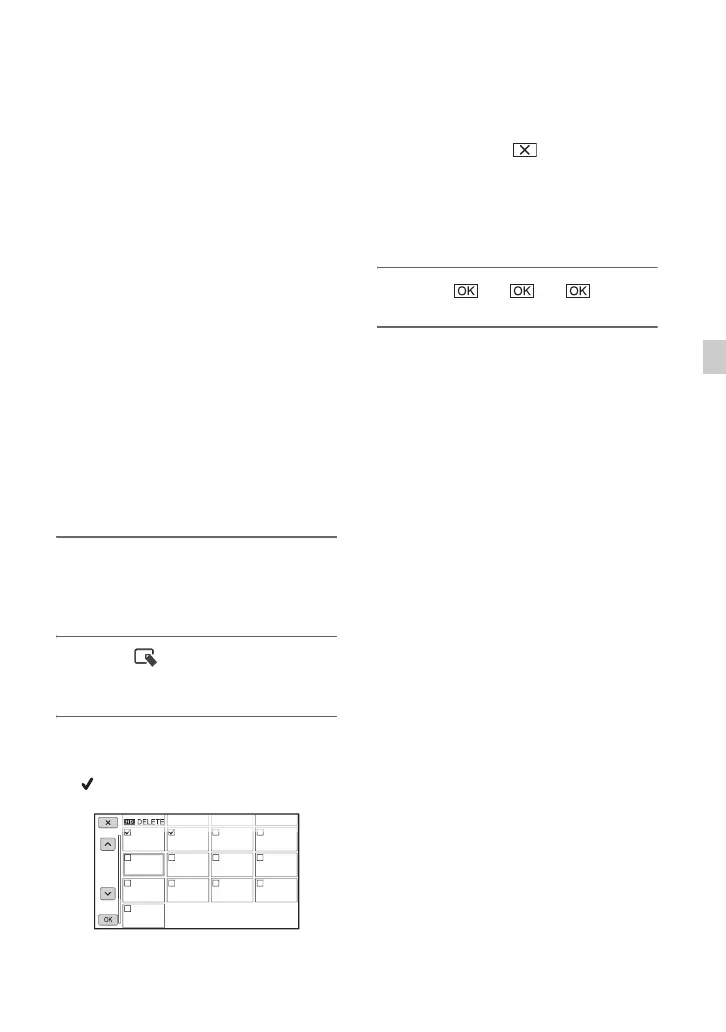
3 Touch the movies or still images
to be deleted.
is displayed on the selected images.
z Tips
• Press and hold the image down to preview
the image. Touch to return to the
previous screen.
• - appears at the upper right corner on the
thumbnail of protected images.
• No check box appears on the thumbnail of
protected images.
4 Touch t t .





 To Next Page