67
Using the Menu
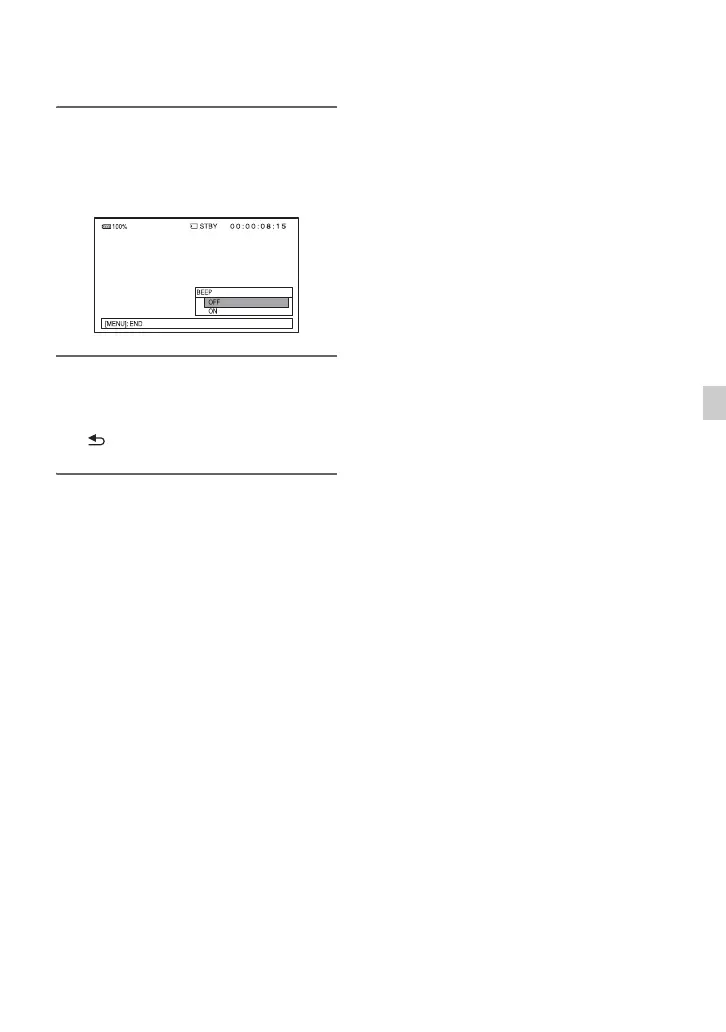
5 Turn the SEL/PUSH EXEC dial
until the desired setting is
highlighted, then press the dial to
confirm the setting.
6 Press the MENU button to hide
the menu screen.
To return to the previous screen, select
[ RETURN].
b Notes
• The available menu items vary depending on the
context of your camcorder during recording or
playback.












 To Next Page