EasyManua.ls Logo

Sony PBD-D50 - Page 22

Sony PBD-D50
100 pages
Print Icon
To Next Page IconTo Next Page
To Previous Page IconTo Previous Page
Loading...
22
Removing the disc
Do not turn the power off while removing the disc.
1 Press OPEN to open the disc cover.
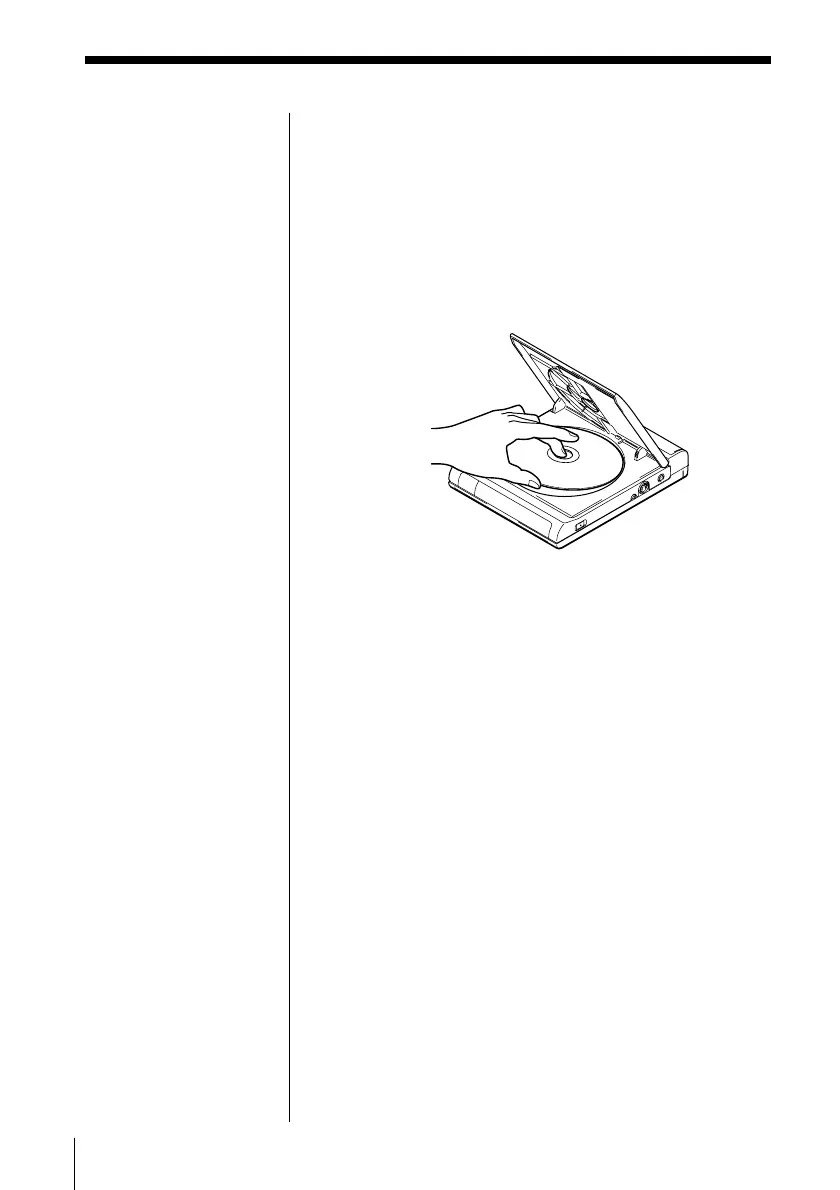
2 Remove the disc.
To remove the disc, gently hold the centre of the
turntable down with your finger and pull up from
the edge of the disc.
Notes
Make sure the disc has
completely stopped
rotating before
removing the disc.
Do not open the disc
cover using the OPEN
button while the BUSY
indicator is lit. If you
do, your PC may not
work correctly. In this
case, reset and restart
your PC.
When you remove the
disc, close the
application software
first.
If the OPEN button
does not work, slide the
MANUAL LID
RELEASE switch in the
direction of the arrow
to open the disc cover.
Then restart this unit
and your PC.

Related product manuals