Help Guide
Linear PCM Recorder
PCM-A10
Adjusting the recording volume for input sounds to avoid sound distortion (LIMITER)
You can turn on the LIMITER function to automatically adjust the recording volume for sudden, loud input sounds during
manual recording to avoid sound distortion.
Description of menu items
You can select one of the following items:
ON:
Turns on the LIMITER function.
OFF:
Turns off the LIMITER function (default setting).
Note
The LIMITER function works when [Manual] is selected for [Built-In Mic Sensitivity] or either of the audio input types under [Ext.
Input Setting] on the OPTION menu.
4-740-912-31(2) Copyright 2018 Sony Corporation
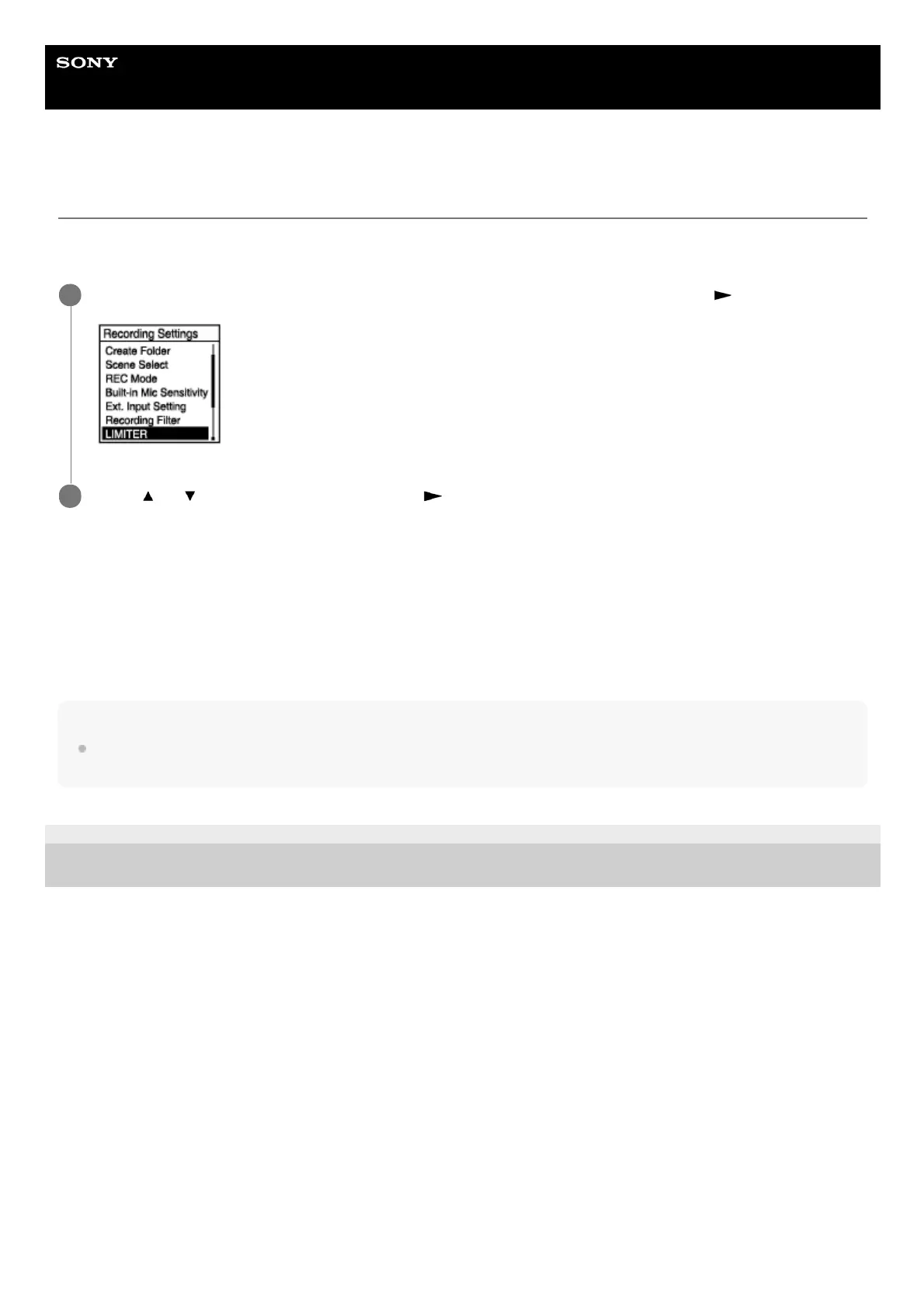
While recording is on standby, select [LIMITER] on the OPTION menu, and then press
.
1
Press
or to select [ON], and then press .
2



 To Next Page