Help Guide
Linear PCM Recorder
PCM-A10
Selecting a recording scene for an individual situation
According to a particular recording situation, you can change some recording settings, including the recording mode and
the sensitivity level of the built-in microphones, at once by selecting one of the recording scenes (Scene Select).
For [My Scene 1] and [My Scene 2], you can customize their recording settings to suit your preference.
Description of menu items
You can select one of the following items:
Scene Select Off:
Available for the situation where no recording scene selection is required (default setting).
Auto Voice Rec:
Suitable for recording human voices in general.
Meeting:
Suitable for recording human voices in large spaces, including conference rooms.
Lecture:
Suitable for recording seminars and lectures.
Voice Notes:
Suitable for speaking into the built-in microphones to record voice notes.
Interview:
Suitable for recording human voices from a distance of 1 to 2 meters (40 to 80 inches), such as interviews and small
meetings.
Soft Music:
Suitable for recording live music from a distance of 1 to 2 meters (40 to 80 inches), such as chorus or musical instrument
lessons.
Loud Music:
Suitable for recording live loud music, such as band performances.
My Scene 1/ My Scene 2:
You can customize the recording settings, including the recording mode and the sensitivity level of the built-in
microphones, to make your own recording scene.
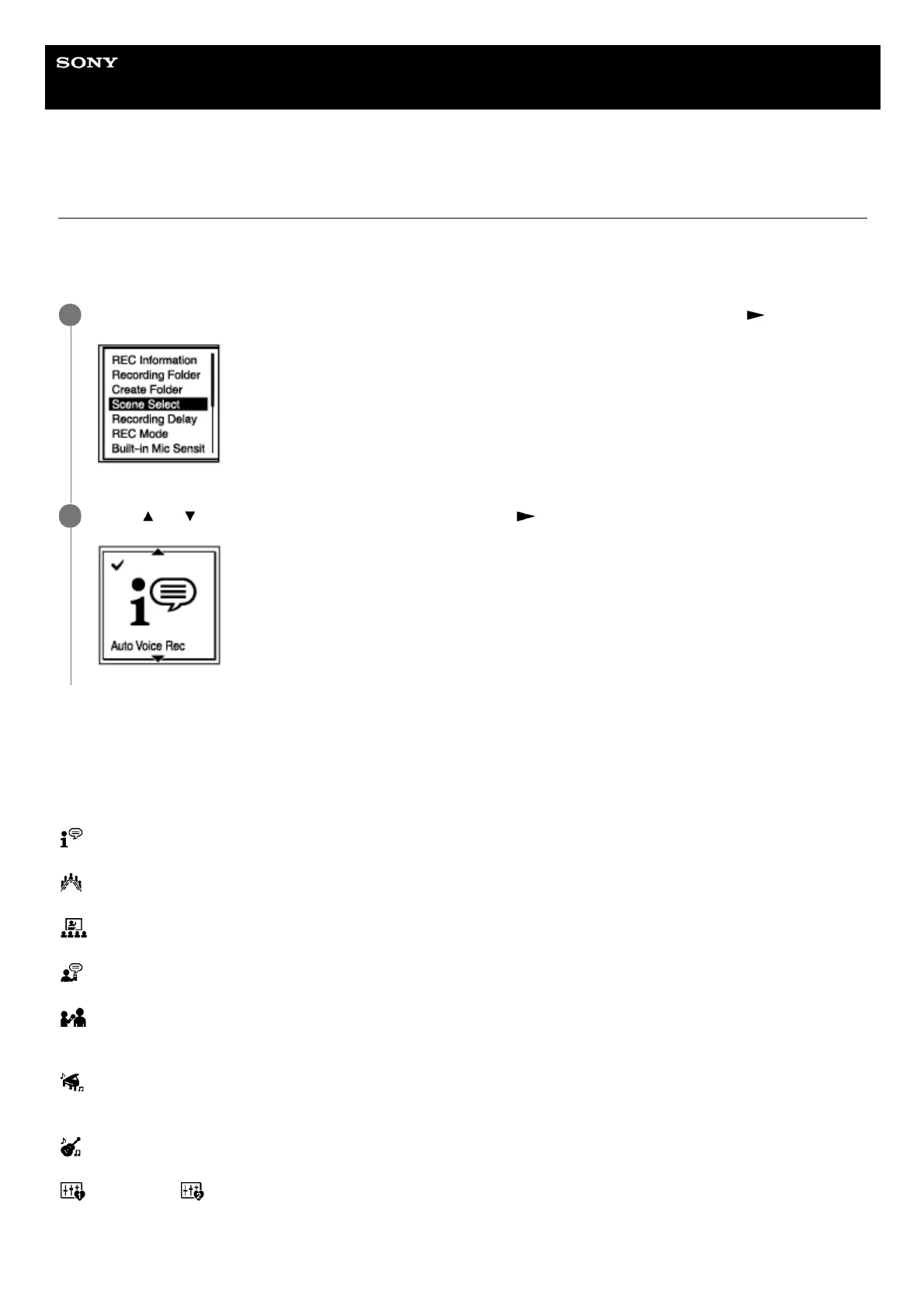
While recording is on standby, select [Scene Select] on the OPTION menu, and then press
.
1
Press
or to select a scene you want, and then press .
2



 To Next Page