41
Basic operations of your Sony CLIÉ™ handheld
Performing a hard reset
If the soft reset does not solve the problem, you need to perform a hard reset to
restart your CLIÉ handheld.
Notes
• All records and add-on applications stored in your CLIÉ handheld
will be erased by performing a hard reset.
• Perform a hard reset only if a soft reset does not solve your problem.
You can restore your CLIÉ handheld data if you have made a backup on your
computer or “Memory Stick” media.
b
For details, refer to “Backing up your Sony CLIÉ™ handheld data” in the
“Handbook.”
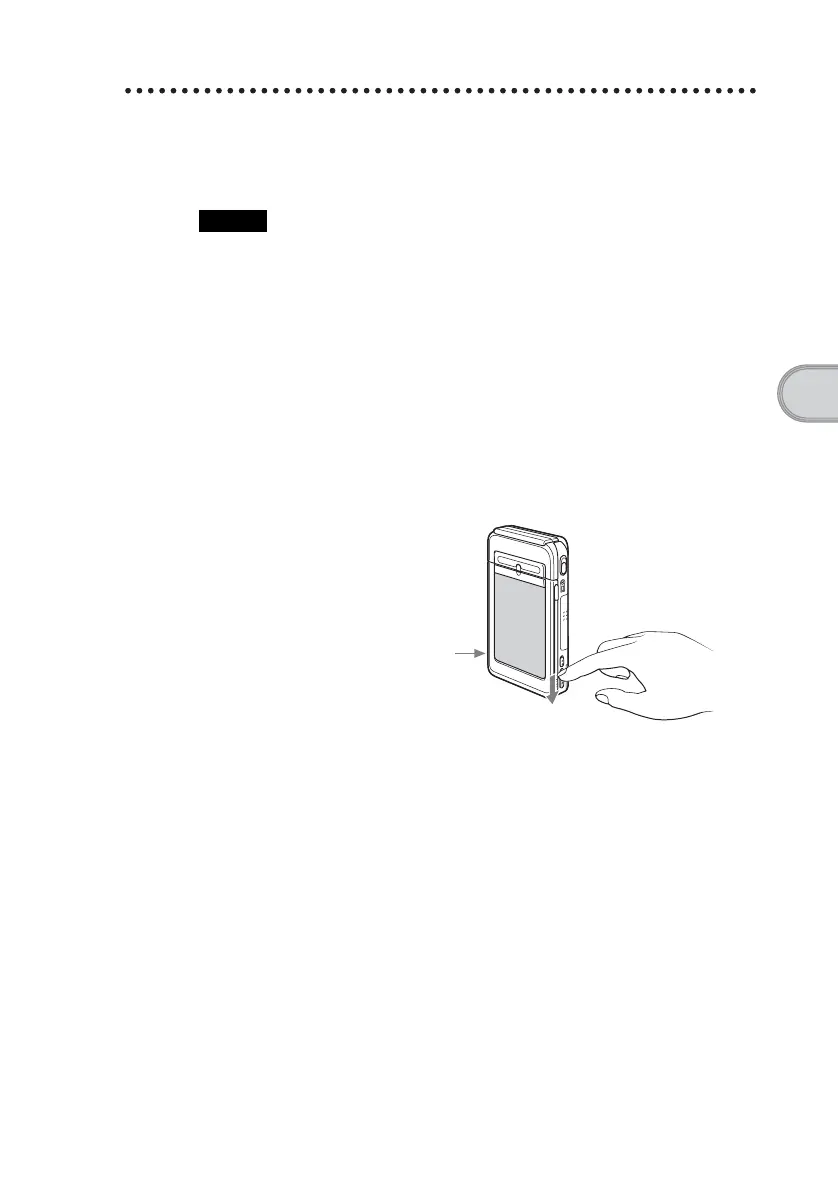
1
Slide the POWER switch.
2
While sliding the POWER switch, press the RESET button
gently with the stylus pin.
3
When the palm powered screen is displayed, release the
POWER switch after three seconds.
A message warning that you are about to erase all the data stored on your
CLIÉ handheld is displayed.
Press the RESET button
with the stylus pin as
illustrated on page 40
Continued on next page
• • • • • • • • • • • • • • • • • • • • • • • • • • •


 To Next Page
 Loading...