71
Using your CLIÉ™ handheld with your computer
Synchronizing data between your CLIÉ handheld
and computer (HotSync
®
)
What is a HotSync
®
operation?
A HotSync
®
operation is a one-step operation that allows you to synchronize
data between your CLIÉ handheld and your computer, back up the data of your
CLIÉ handheld on your computer, and install add-on applications.
b
For details, refer to “Exchanging and updating data using a HotSync
®
operation
(Other HotSync
®
operations)” in the “Handbook.”
Performing a HotSync
®
operation
The following procedure explains how to synchronize data between your CLIÉ
handheld and computer, using “Date Book” as an example.
1
Turn on the computer.
2
Refer to the procedure on page 76 and enter data in
“Date Book.”
3
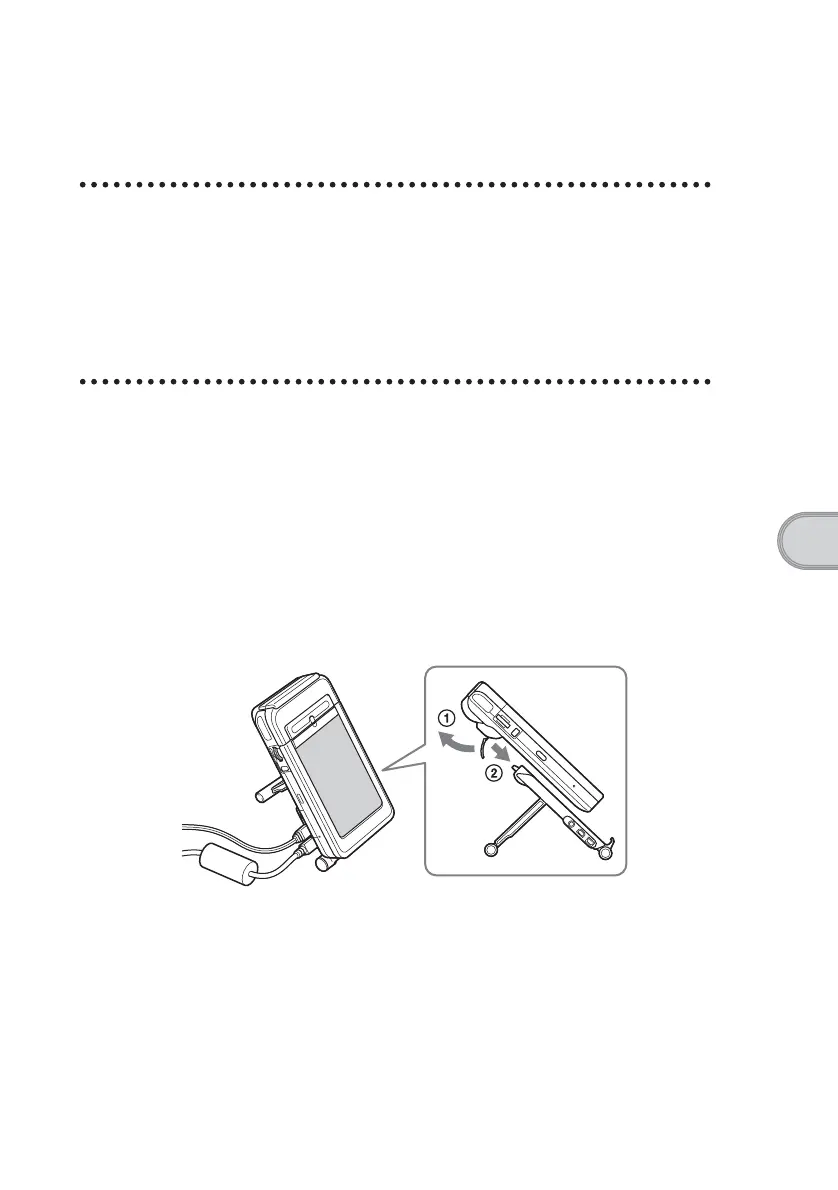
Place your CLIÉ handheld in the cradle.
Continued on next page
• • • • • • • • • • • • • • • • • • • • • • • • • • •













 To Next Page