76
Managing schedules (Date Book)
Entering a schedule
1
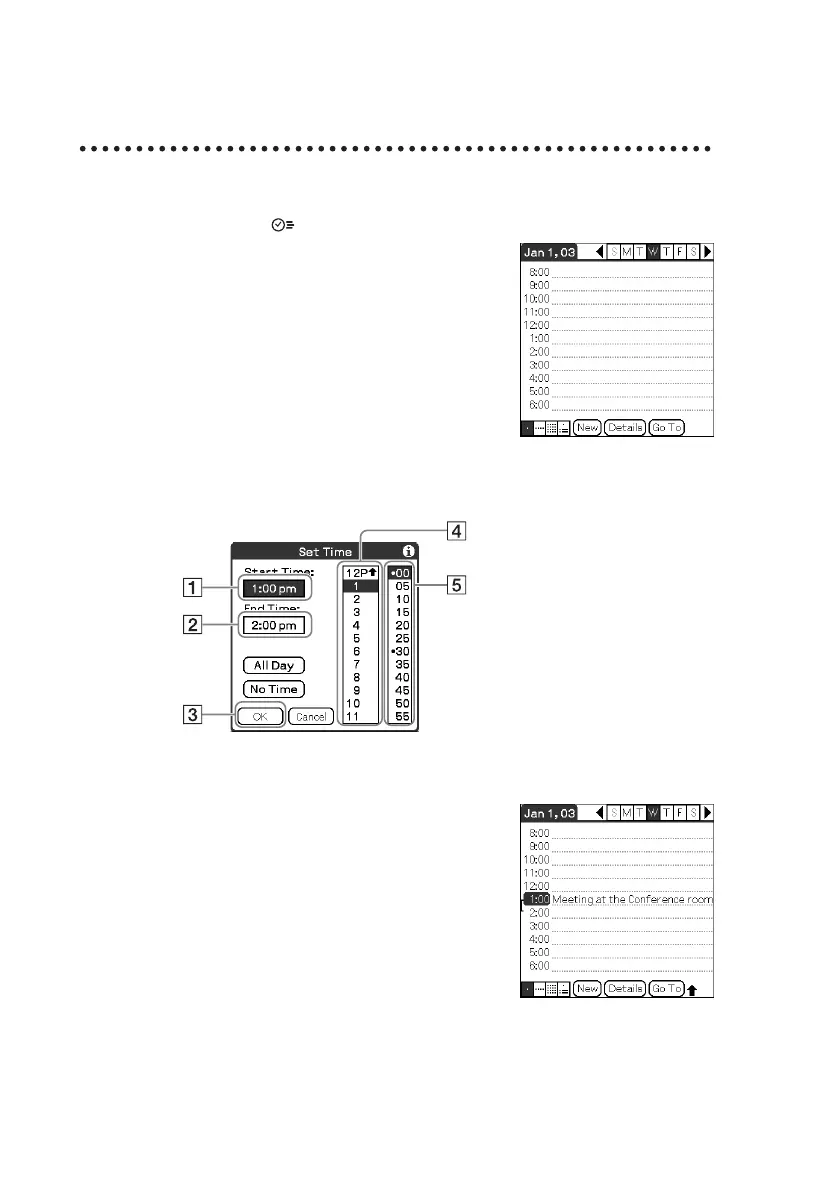
Press the button to start “Date Book.”
2
Tap New and set the start time and end time of the
schedule.
3
Enter a schedule.
1 Tap to set the start time.
2 Tap to set the end time.
3 Tap to determine the settings.
4 Tap to select “hour.”
5 Tap to select “minute.”













 To Next Page