73
Enjoying your CLIÉ™ handheld
Enjoying your
CLIÉ™ handheld
Using your CLIÉ handheld to view image files and
movie files taken with “Memory Stick”-
compliant devices
Tip
You can view the following file formats on your CLIÉ handheld:
Image files: JPEG (DCF) format, PictureGear Pocket format
Movie files: Movie Player format (movies taken with your CLIÉ handheld or converted
using the Image Converter software), MPEG Movie format (MPEG1 format movies
taken with a Sony Digital Still Camera or Handycam)
For formats of pictures that can be taken with your “Memory Stick” compliant devices,
refer to their respective operating instructions.
1
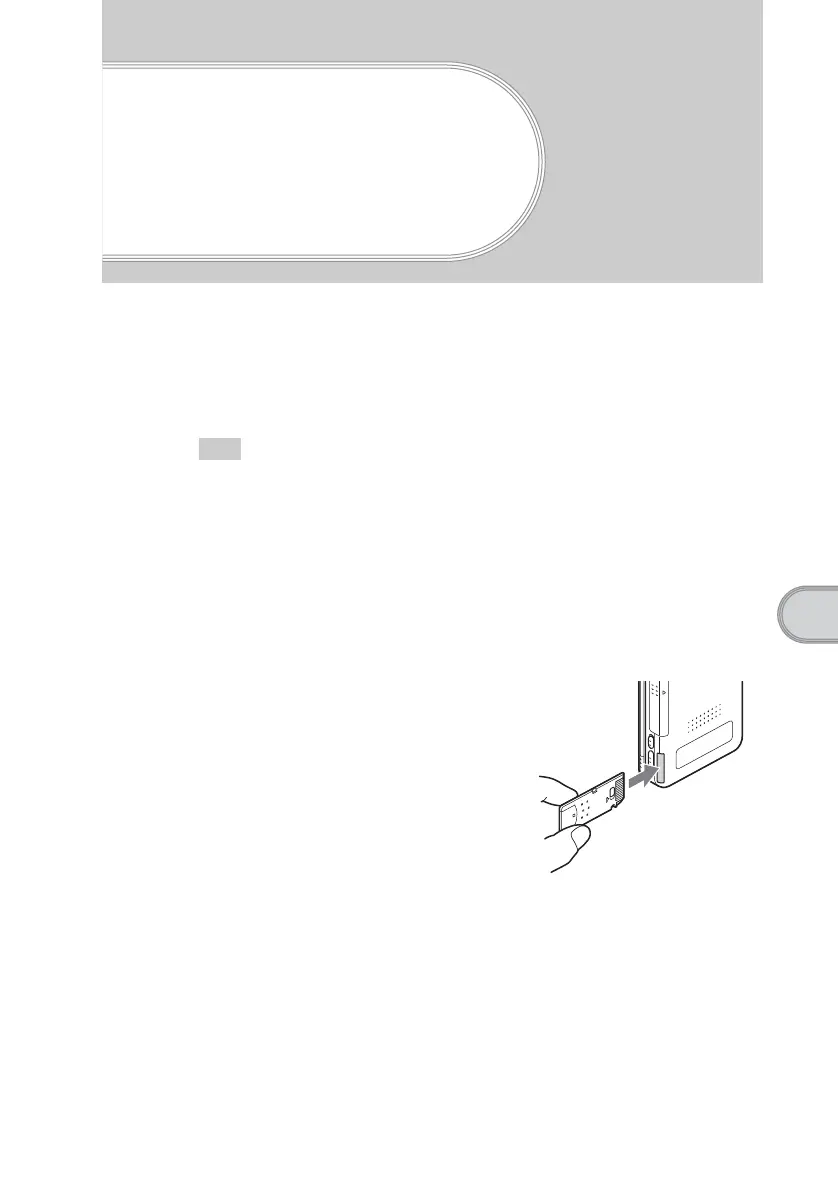
Insert the “Memory Stick” media to which you have saved
image files and movie files in your CLIÉ handheld.
2
Start “CLIE Viewer” to view image files or movie files.
b
For details, refer to “Viewing/Playing back files (CLIE Viewer)” on page 63.













 To Next Page