Clip Operations
67
Playback
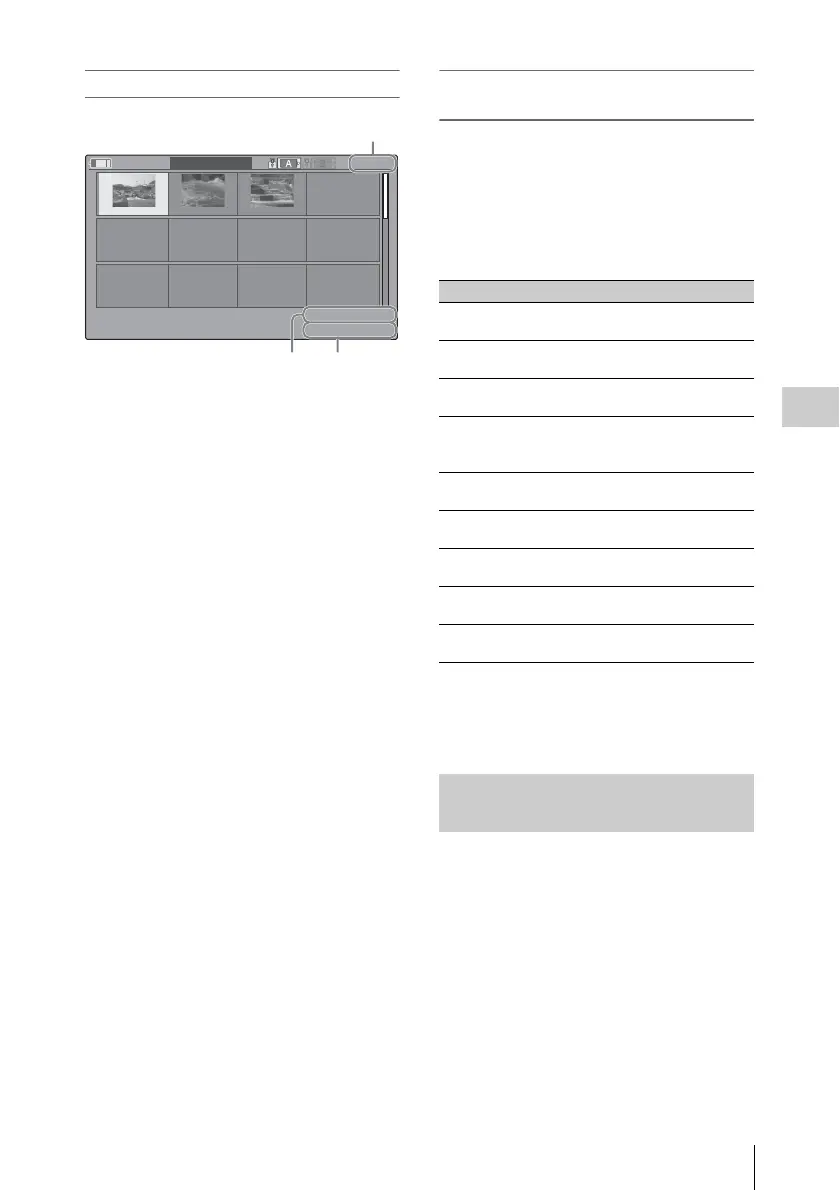
EXPAND CLIP screen in FAT SD Mode
Detailed information for the clip is displayed at
the bottom of the screen.
The items other than the following are the same as
those on the normal thumbnail screen (page 59):
1. Timecode indication
The timecode of the segmentation file at the
cursor is displayed.
2. Duration
The duration of the segmentation file at the
cursor is displayed.
Clip Operation menu on the EXPAND CLIP
screen
UDF and FAT HD Mode
When you select a frame on the EXPAND CLIP
screen and press the SEL/SET button or the jog
dial, the Clip Operation menu pops up to enable
operations such as displaying more detailed split
displays and saving the frames after the selected
frame as different clip.
FAT SD Mode
You can select “PAUSE” only on the EXPAND
CLIP screen in FAT SD Mode.
When one or more shot marks or recording start
marks are recorded for a single clip, you can
display only frames with those marks as
thumbnail images on the screen.
1 Select a clip on the thumbnail screen,
then press the SEL/SET button or the
jog dial.
2 Select ALL MARK, SHOT MARK1,
SHOT MARK2, or REC START
MARK from the Clip Operation menu
(page 63).
120
m
in
EXPAND
CLIP
00:00:00:00 00:09:30:00 00:19:00:00
0000001
01 / JAN /2009
10:53
JPAN0011
_01
DVC
A
M
29.9PsF
SQ
TCR
00:00:00:00
DUR
00:09:30:00
21
Current frame number
Item Function
EXPAND
(COARSE)
To decrease the number of
partitions of the clip
EXPAND
(FINE)
To increase the number of
partitions of the clip
PAUSE To set to Pause mode at the
selected frame
SET INDEX PIC To specify the selected frame for
the index frame of the clip (page
68)
SHOT MARK1
ADD
To add shot mark 1 to the selected
frame (page 68)
SHOT MARK2
ADD
To add shot mark 2 to the selected
frame (page 68)
SHOT MARK1
DEL
To delete shot mark 1 from the
selected frame (page 68)
SHOT MARK2
DEL
To delete shot mark 2 from the
selected frame (page 68)
DIVIDE CLIP To divide the clip into two clips at
the selected frame (page 69)
Displaying the SHOT MARK
Screen (UDF and FAT HD Mode)



 To Next Page