External Synchronization
101
Connecting External Devices
2 Set “SDI/HDMI/i.LINK I/O Select”
(page 83) in the VIDEO SET menu to
“HDV.”
3 Set “Input Source Select” (page 83) in
the VIDEO SET menu to “i.LINK.”
The input image is displayed on the LCD
monitor/EVF screen and the monitor connected
via the VIDEO OUT connector.
The audio signal is output from the built-in
speaker, headphones connected to the
headphone connector, and the speaker of the
monitor connected to the AUDIO OUT
connector.
4 Press the REC START/STOP button
(page 13) or the REC START button
(page 15).
Recording begins.
Notes
• An error is generated in the following cases. In such a
case, cancel Recording mode by pressing the REC
START/STOP button.
—The video format of input signal does not match
that specified on the camcorder.
—A copy-protected stream is being fed in.
• If the input to the camcorder becomes no signal during
recording, the tally lamps and the i.LINK zREC status
indication on the LCD monitor/EVF screen flash,
indicating that no signal is being recorded on the SxS
memory card.
When an input signal is resumed, recording is
restarted, incrementing the clip number on the memory
card.
When multiple units of the camcorder are used in
the same shooting location, recording can be
made in synchronization with a specific reference
signal, and the timecode can be matched among
all the units.
Aligning the phase of the video signal
(Genlock)
Genlock operation is enabled by supplying a
reference signal to the GENLOCK IN connector
(page 14) of the camcorder.
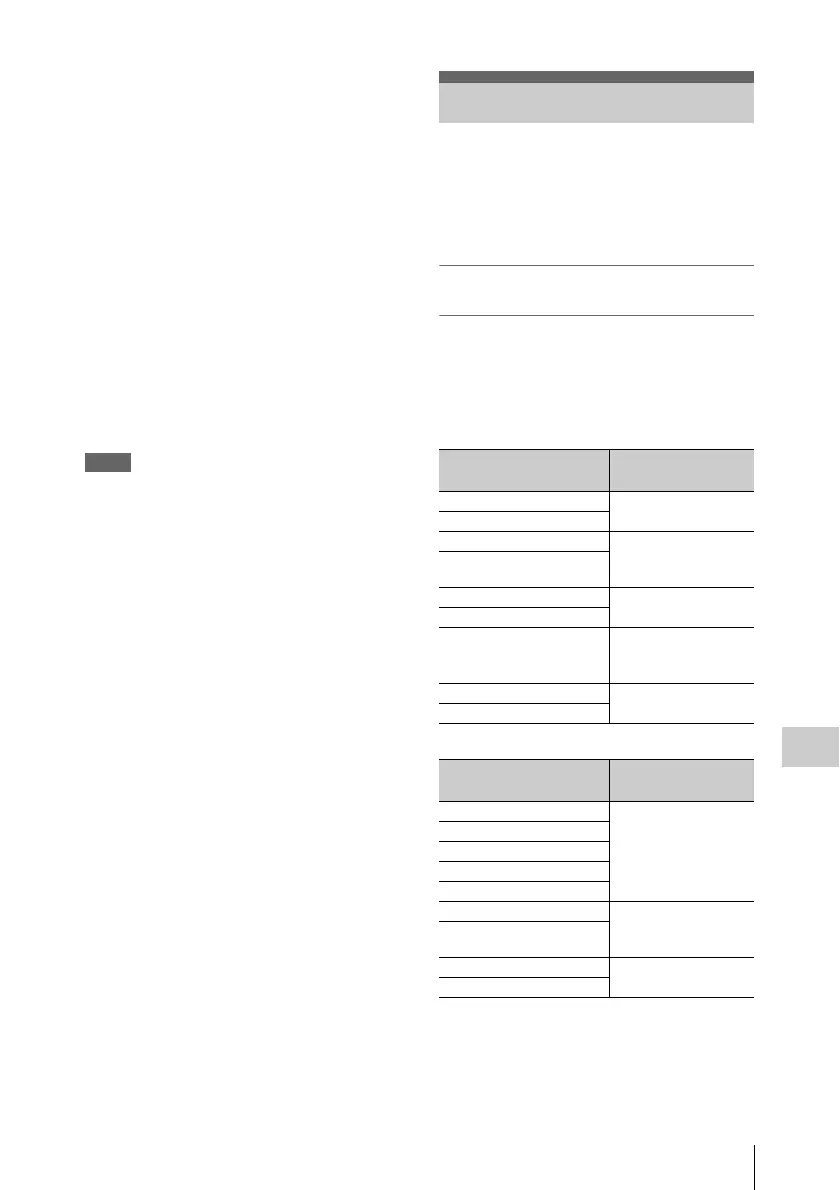
Valid reference signals depend on the video
format selected.
UDF
FAT
The phase adjustment for the reference signal can
also be made with “Genlock” (page 90) in the
OTHERS menu.
External Synchronization
Video format Valid reference
signal
HD422 50/1080/50i 1080/50i
PAL
HD422 50/1080/25P
HD422 50/720/50P 1080/50i
720/50P
PAL
HD422 50/720/25P
HD420 HQ/1080/50i 1080/50i
PAL
HD420 HQ/1080/25P
HD420 HQ/720/50P 1080/50i
720/50P
PAL
DVCAM50i SQ/EC 1080/50i
PAL
DVCAM25P SQ/EC
Video format Valid reference
signal
HQ 1920/50i 1080/50i
PAL
HQ 1920/25P
HQ 1440/50i
HQ 1440/25P
SP 1440/50i
HQ 1280/50P 1080/50i
720/50P
PAL
HQ 1280/25P
DVCAM50i SQ/EC 1080/50i
PAL
DVCAM25P SQ/EC



 To Next Page