On-Screen Indications
20
Overview
8. Wide-conversion lens setting indicator [M]
(page 85)
Displayed when Wide Conversion of the
CAMERA SET menu is set to “On”.
9. Synchronous recording display [M]
(page 104)
Displayed when “SDI Rec Control” in the
VIDEO SET menu is set to “HD SDI Remote
I/F.”
When the wireless adapter is recording by
interlocking to the camcorder while “SDI
Rec Control” is set to “Parallel Rec,” “Rec2-
P” appears.
10. NightShot mode indication (PMW-100
only) [M][A] (page 43)
11. ND FILTER position (PMW-200 only) [M]
Displays the selected ND filter number (page
37).
12. TLCS mode indication [M][D] (page 84)
13. Steady Shot indication [M][D] (page 42)
14. Focus mode indication [M] ([D] only in MF
mode) (page 41)
15. White balance mode and color
temperature indications [M][D] (page 38)
16. Picture profile indication [M][D] (page 51)
17. Brightness level indication [M][A]
18. Depth-of-Field bar indication [M][A]
19. Exposure position indication (PMW-100) /
Iris position indication (PMW-200) [M][D]
(page 40)
20. Gain indication [M][D] (page 39)
21. Shutter mode/shutter speed indication
[M][D] (page 39)
22. Audio level meters [M]
23. Histogram indication [M][A]
24. Video level cautioning indication [M]
/Recommended ND filter number
indication (PMW-200 only)/Clip
uploading status indication (PMW-200
only)
25. Media remaining space indication for the
CBK-WA100 Wireless Adapter (not
supplied) (PMW-200 only)
26. Wi-Fi status indication of the CBK-
WA100 Wireless Adapter (not supplied)
(PMW-200 only)
27. Special recording mode indication [M] ([D]
only in Slow & Quick Motion Standby)
28. Video Format indication [M] (page 37)
29. Clip name indication [M] (page 36)
The settings of the items named with a suffix [D]
can be changed using the Direct menu on the
screen.
Select “All,” “Part,” or “Off” for Direct Menu
using “Direct Menu” (page 97) in the OTHERS
menu.
Note
When the indicator of the FULL AUTO button is lit, the
Direct Menu operation is disabled for the functions that
are forcibly set to the automatic mode in Full Auto mode
(page 35).
1 When the camcorder’s status or settings
are displayed on the screen, press the
SEL/SET button (page 15) or the jog
dial (page 16).
If “Direct Menu” is set to “All” or “Part,” the
cursor is displayed on one of the items for
which the Direct menu operation is
permitted.
2 Press the up/down/left/right buttons
(page 15) or rotate the jog dial to set the
cursor to the item to be operated, then
press the SEL/SET button or the jog
dial.
The Direct menu of the selected items appears.
3 Press the up/down/left/right buttons or
the jog dial to select a setting, then press
the SEL/SET button or the jog dial.
The menu disappears, and the new setting is
displayed.
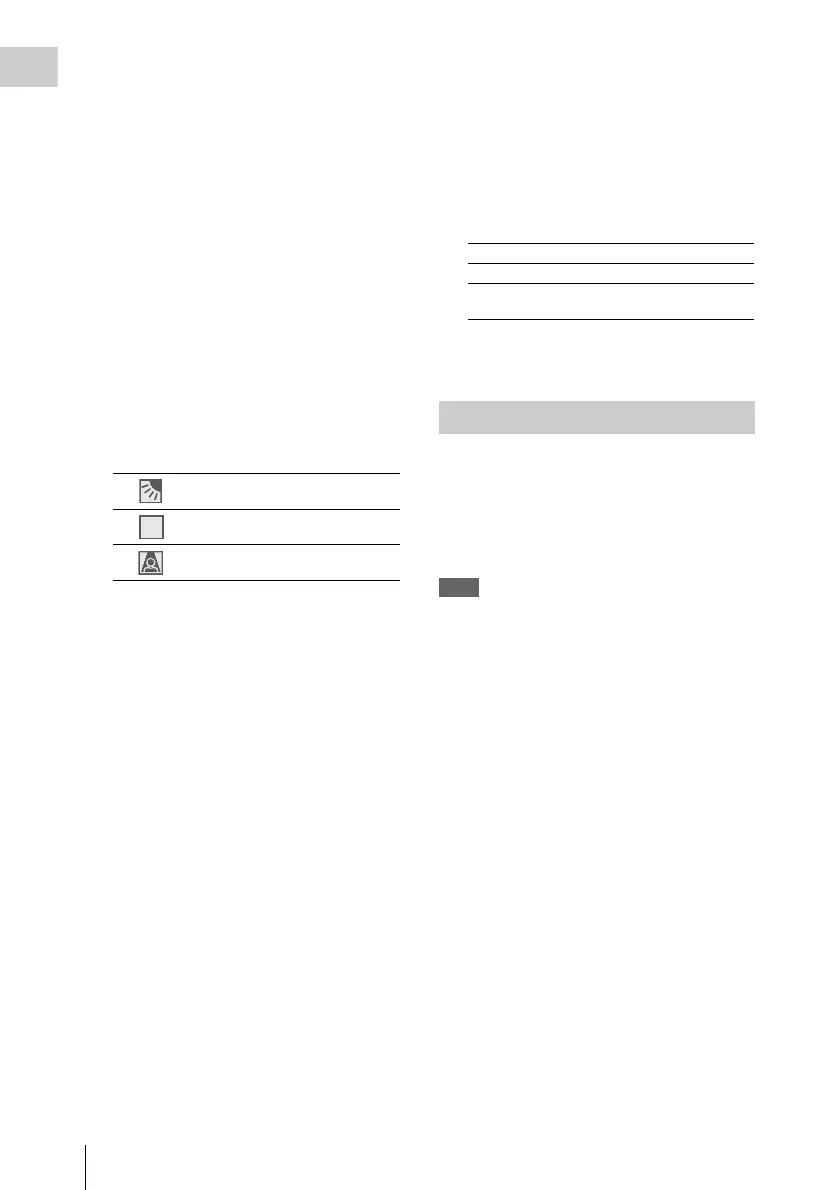
Backlight mode
Standard mode
Spotlight mode
STD
Frame Rec Frame Rec mode
Interval Rec Interval Rec mode
S&Q Motion
xx/xx fps
Slow & Quick Motion mode
Direct Menu Operation



 To Next Page