Reader™ User Guide
Print
Search
Getting started
Basic Operations
Adding/Getting Content
Browsing Content Lists
Reading
Organizing
Other Applications
Settings
Other Information
Contents list
Top page > Other Applications > Text Memo > Creating a Text Memo
Creating a Text Memo
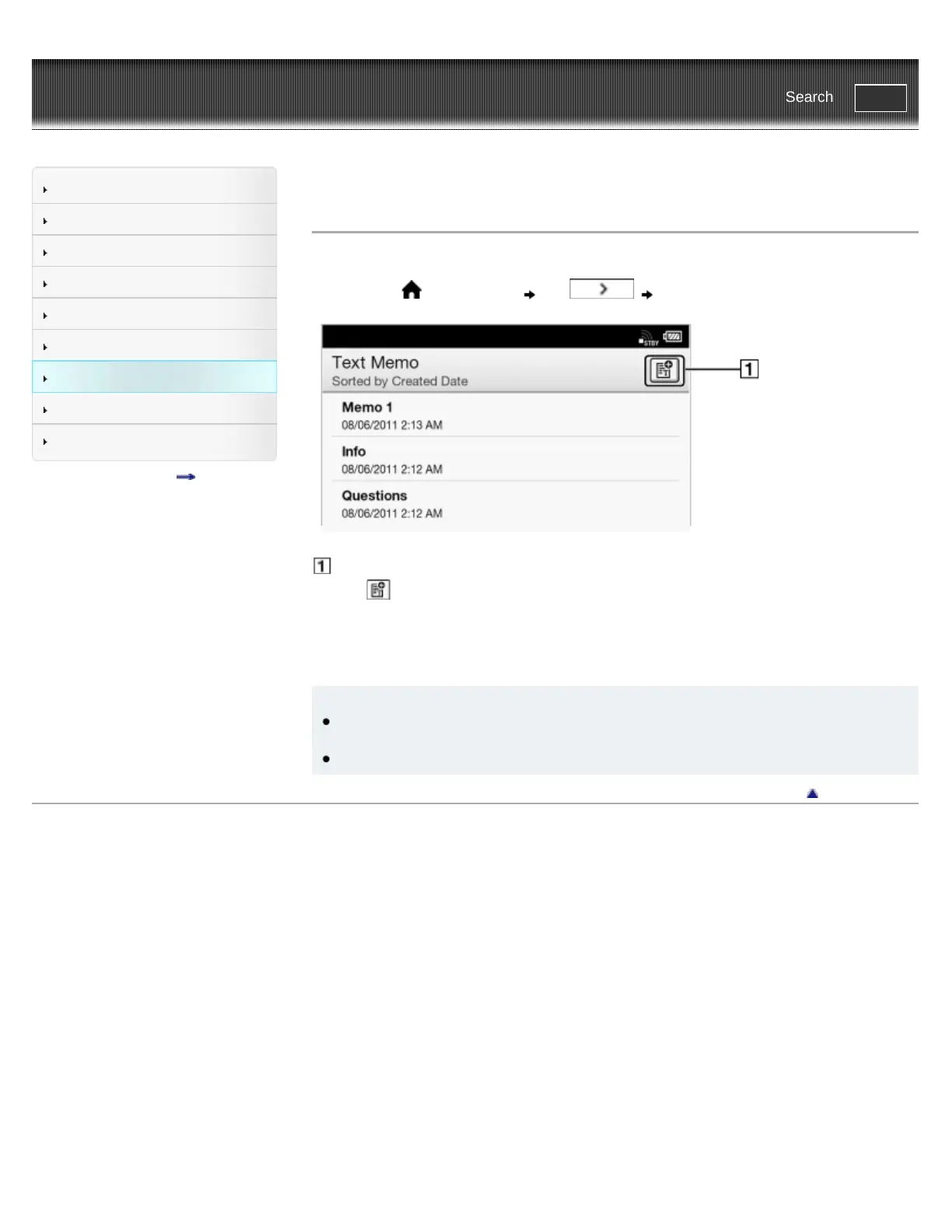
You can use the [Text Memo] application to create a memo.
1. Press the
(Home) button tap [Text Memo].
Create a new memo.
2. Tap
at the upper-right corner of the screen.
A notepad opens.
3. Type a memo using the on-screen keyboard.
4. Tap [Save].
Tip
If you tap [New] while creating a memo, the current memo is saved, and a new notepad
opens.
Newly created memos will be saved only in the internal memory.
Go to page top
Copyright 2011 Sony Corporation














 To Next Page