[Collections] Lists preset and user-created collections. See Details.
[Public
Library]*
Helps you find public libraries where you can borrow books for the Reader.
See Details.
[Google
Books]*
Takes you to Google Books. See Details.
[Browser] Launches the Web browser. See Details.
[Purchased
Content]*
Takes you to [My Account] at Reader Store for downloading your purchased
books and periodicals. See Details.
[All Notes]
Lists the bookmarks/annotations made on the books and periodicals. See
Details.
[Dictionary] Allows you to look up a word in the dictionary. See Details.
[Handwriting] Allows you to use a drawing pad for drawing. See Details.
[Text Memo] Allows you to use a notepad for typing memos. See Details.
[Pictures] Shows pictures in the Reader and, if inserted, the microSD card. See Details.
[Audio]
Lists and plays the albums and songs that you have in the Reader. See
Details.
[Settings] Displays the items for setting the Reader. See Details.
* The availability of these applications varies depending on the country/region setting.
Status bar
The status bar shows the current status of the Reader, such as Wi-Fi status, the battery level and
the status of downloading files from Reader Store.
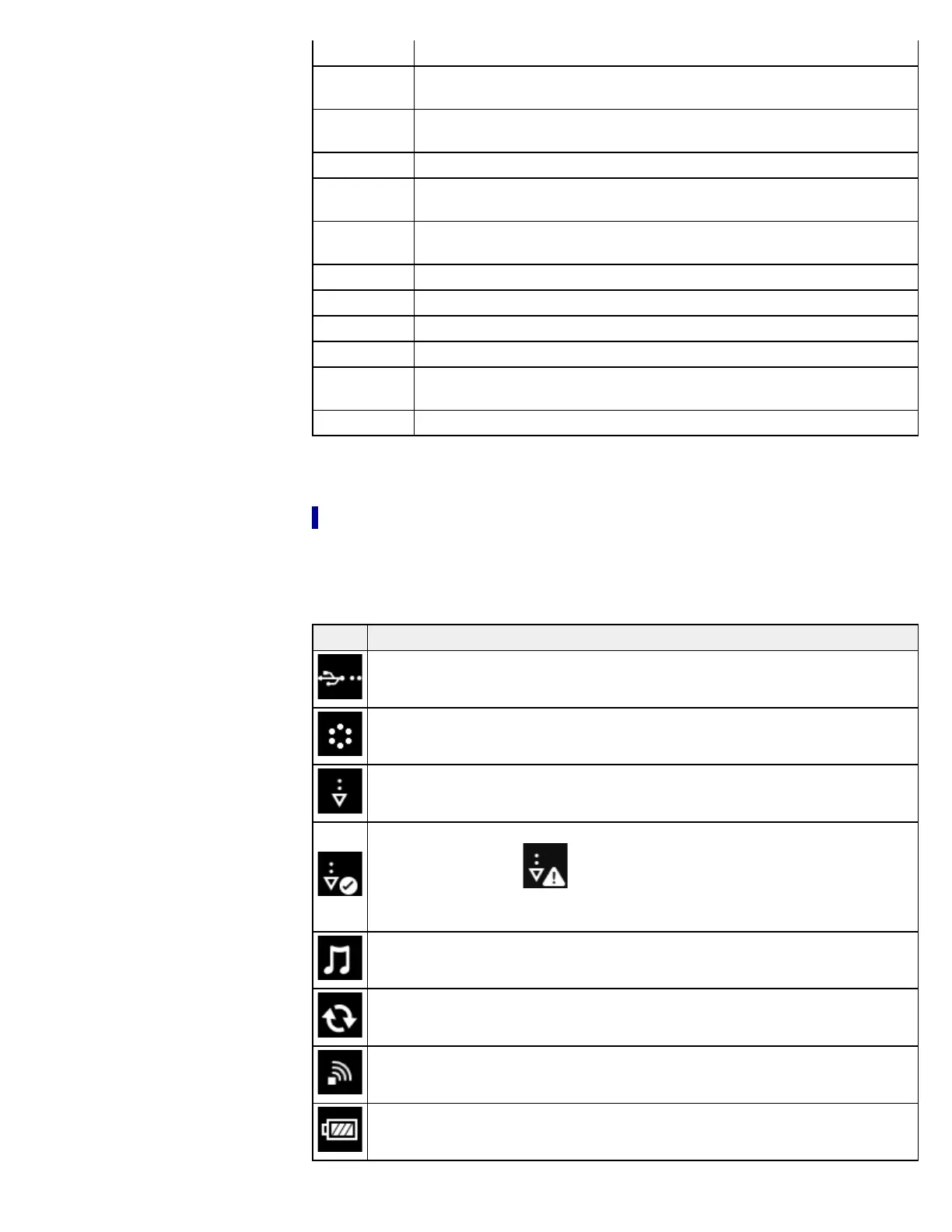
The following items are displayed in the status bar.
Icon Indication
Connected via the USB cable.
Connecting to a network.
A download is in progress. When multiple downloads are in progress, the number of
downloads is displayed next to this icon.
A download has completed.
If downloading fails, the (Fail) icon is displayed.
The icon disappears when you open the notification window and tap [Clear], or when
you tap the downloaded items in the [Notification] list.
An audio track is currently being played.
Updating database.
Wi-Fi network signal strength. See Details.
Current battery level. See Details.














 To Next Page