Reader™ User Guide
Print
Search
Getting started
Basic Operations
Adding/Getting Content
Browsing Content Lists
Reading
Organizing
Other Applications
Settings
Other Information
Contents list
Top page > Reading > Reading Books > Page Navigation
Page Navigation
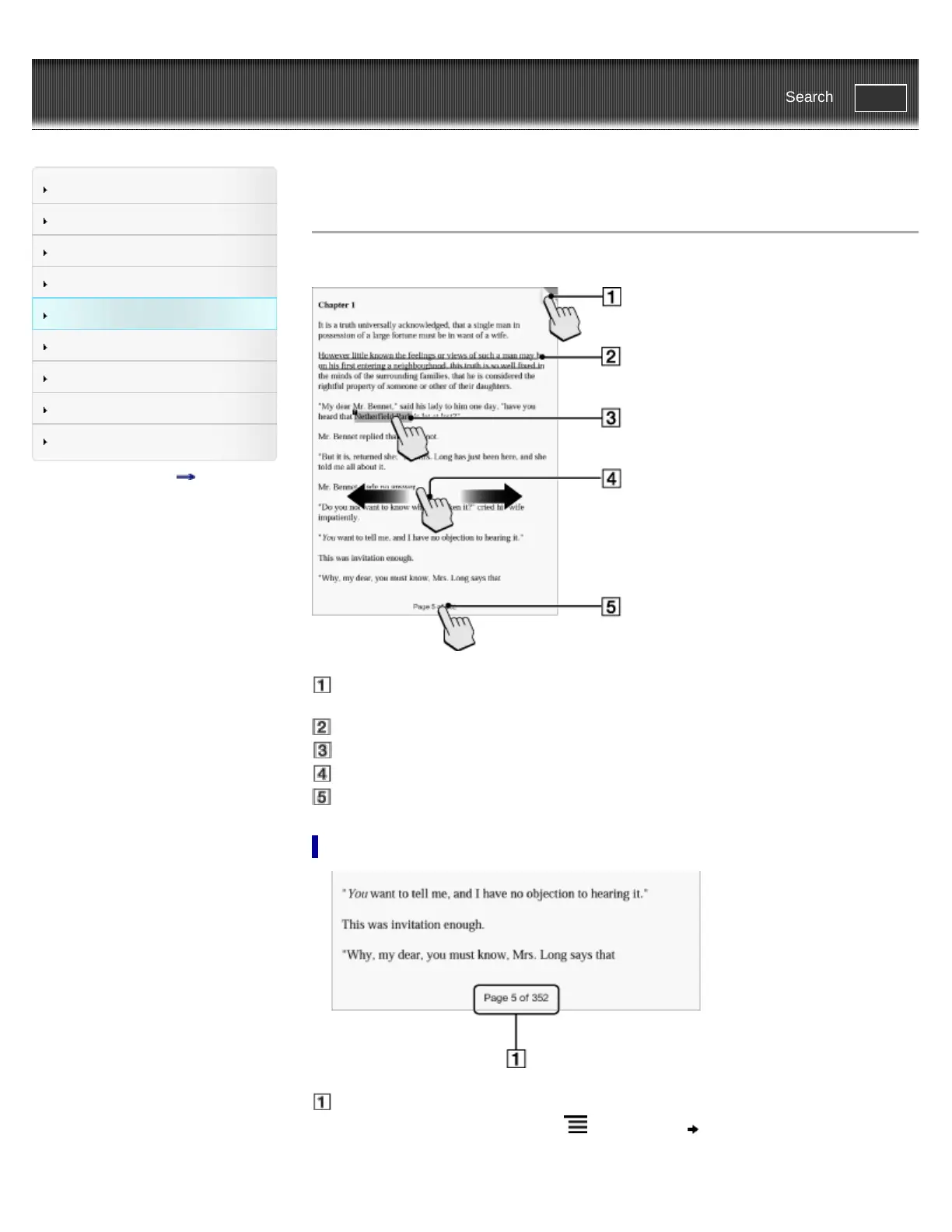
There are several ways to navigate through books.
Tap to add a bookmark Details
Tap and hold to add a note
Draw a handwritten note Details
Tap and hold to open option items Details
Swipe the screen to turn the page
Tap to open the page navigation panel.
Using the page navigation panel
Page indicator
1. Tap the page indicator, or press the (Menu) button tap [Navigate Page] to open the
page navigation panel.














 To Next Page