keyboard type
Tap [?123] to display the symbol keyboard. Tap [ALT] to switch to
additional characters. Tap [ABC] to return to the alphabetical keys.
Capitalize a single
letter
Tap
. Tap and hold to activate caps lock. To cancel, tap
again.
Enter a space Tap the space key.
Enter a previously
registered word
A list of words you registered to the keyboard history* displayed next to
the current word input box. Tap the desired word to enter it.
Tap and hold the current word input box to register the word in it to the
keyboard history. (The word must consist of at least 3 letters.)
Move the cursor in
the input area
Tap the location to which you want to move the cursor.
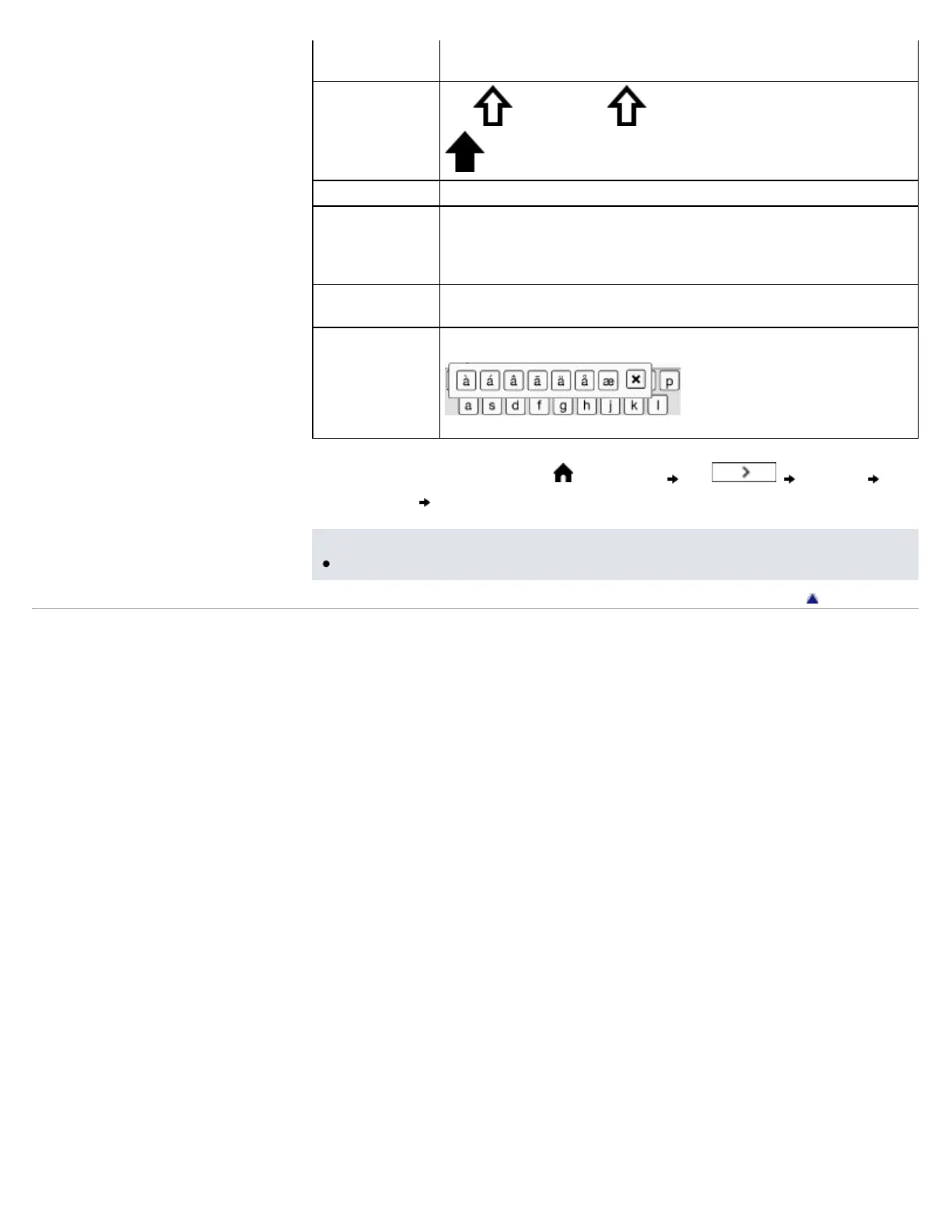
Type extended
characters
Tap and hold a key and choose one from the keys.
* To clear the keyboard history, press the (Home) button tap [Settings]
[Initialization] [Clear Keyboard History].
Note
The available types of keyboards and input methods differ depending on the application.
Go to page top
Copyright 2011 Sony Corporation














 To Next Page