Touch Screen
26
Table of Contents Index
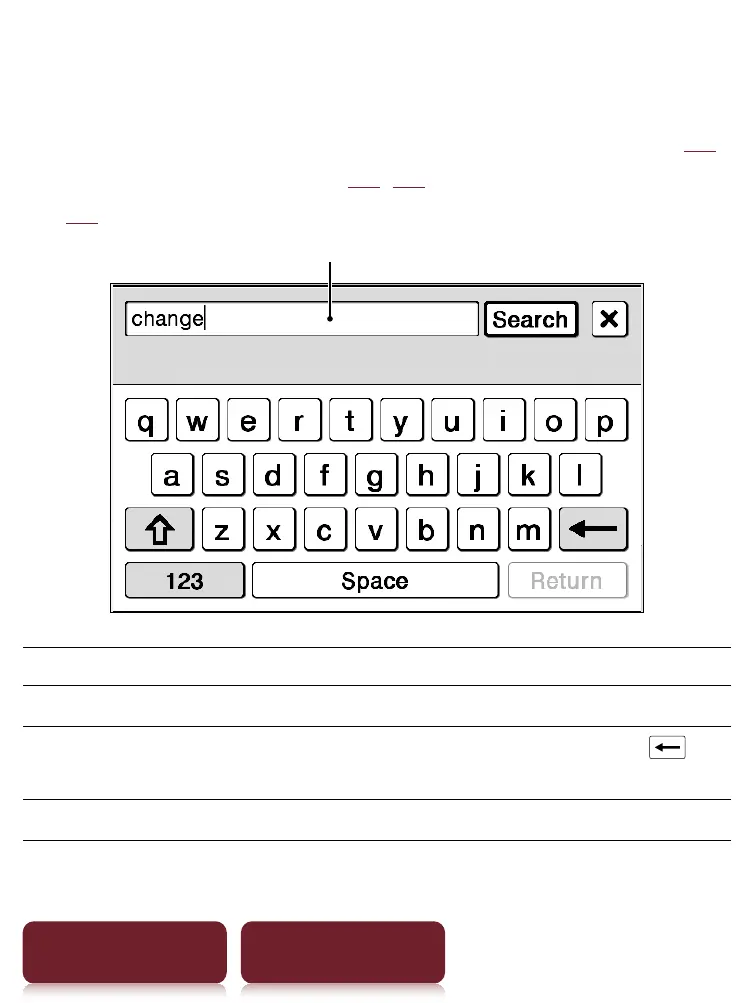
On-screen keyboard
The on-screen keyboard is used for word search (
55),
creating a text memo (
42, 80), and dictionary search
(
62).
Input area
To Perform at input area
Edit Tap to place the cursor.
Delete a character Tap to place the cursor and tap
to
delete a character before the cursor.
Finish inputting Tap [OK], [Search] or [Done].













 To Next Page