Searching
55
Table of Contents Index
Searching
By selecting a word(s)
To select a word, double-tap a desired word at page
view. To select consecutive words, see “Double-
tapping and dragging” (
25).
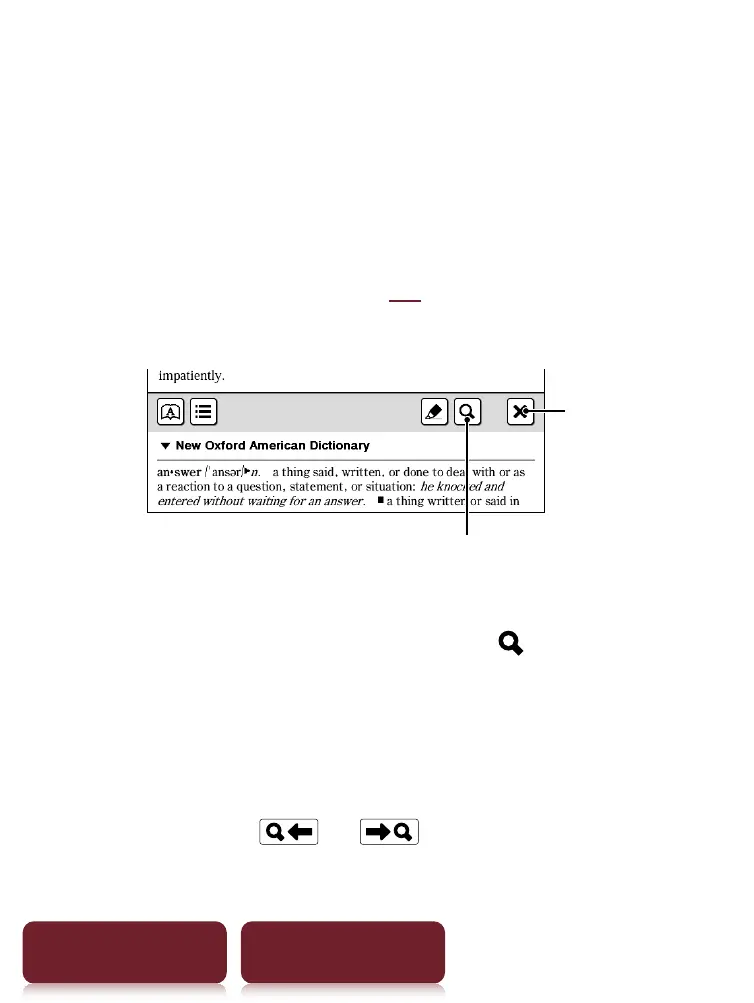
The following screen will appear.
Search
Quit
To cancel, tap
and tap anywhere on the page view.
To search the selected word(s), tap
.
The search for result screen will appear. The results
are highlighted on the page.
To cancel, tap and quit.
To navigate, tap
or to move to the
previous/next result.













 To Next Page