Resizing
47
Table of Contents Index
Resizing
Press (
10) for re-sizing.
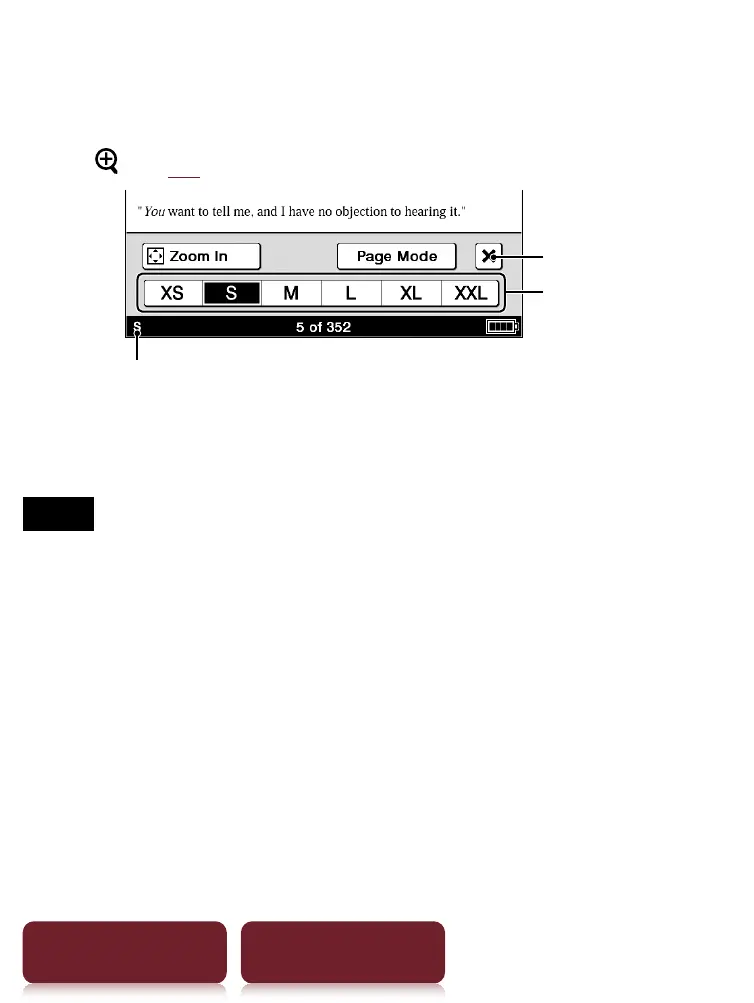
Size indicator
Quit
Text sizes
Adjusting the text size: Select one of text size icons and
close.
Notes
When you view PDF files in a size other than [S], the
following may occur.
[S] size is the default font size. If another size is selected,
text size may not change correctly.
Functions such as highlighting, searching, or temporary
word selection may not work correctly.
The table and graphics may not be correctly displayed.
A page containing only images cannot be resized.













 To Next Page