Resizing
50
Table of Contents Index
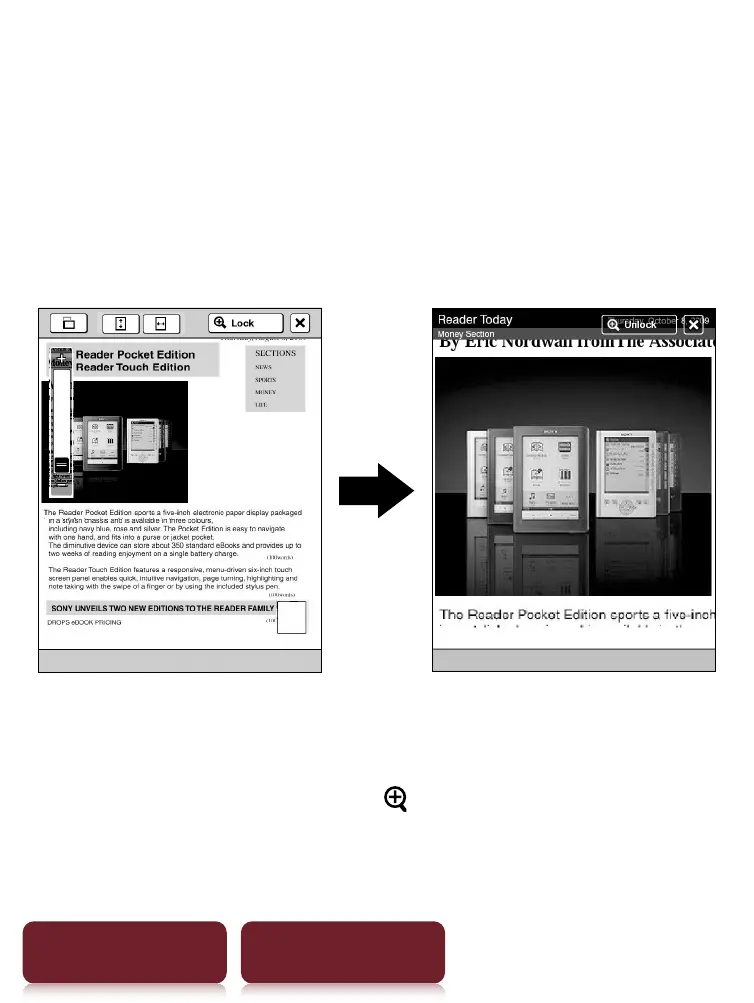
Zooming a specified image or column to the
screen size
While in zoom-in mode, double-tap an image or
column which you wish to magnify.
The image or column size is magnified automatically to
fit the screen size, and the magnification is locked.
Tip
When in zoom-in mode, you may move to the next/
previous page at zoom lock ([
Lock]) mode.













 To Next Page