Adjusting Content View
53
Table of Contents Index
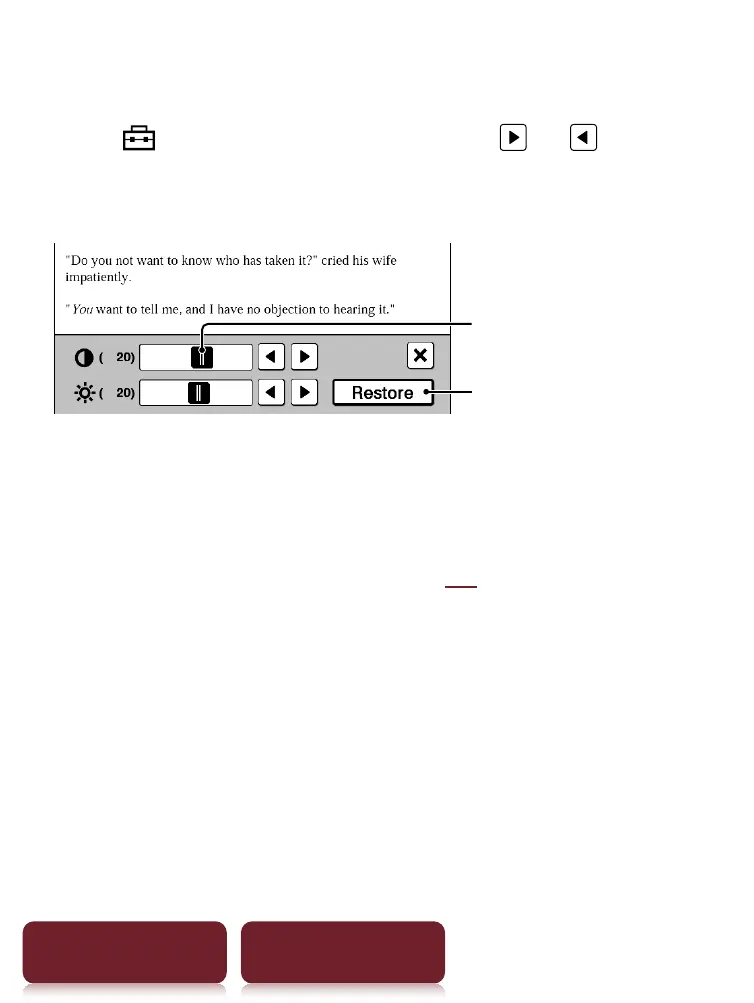
Custom setting mode
1 Tap
drag the slider, or tap or
repeatedly until the page is adjusted to the
desired brightness and contrast.
Slider
Restores the value of
previous custom settings.
2 Tap to apply the setting and exit.
The change will only be stored in the content being
adjusted. Select [Original] (
52) when it is
necessary to restore the default setting.













 To Next Page