37
GB
Advanced operations
Tips
• You can also use the MENU button on the photo
frame.
• You can enlarge or reduce the image when you
select the index image display.
Registering a mark
You can produce a slideshow only with images
which have been selected beforehand and have
been marked. You can easily check for images
with marks using the index image display or
single view mode.
1 Press MENU when an image is
displayed on the screen.
The menu is displayed.
2 Press B/b to select the (Editing)
tab.
The screen used for editing is displayed.
3 Press v/V to select [Marking] and
then press .
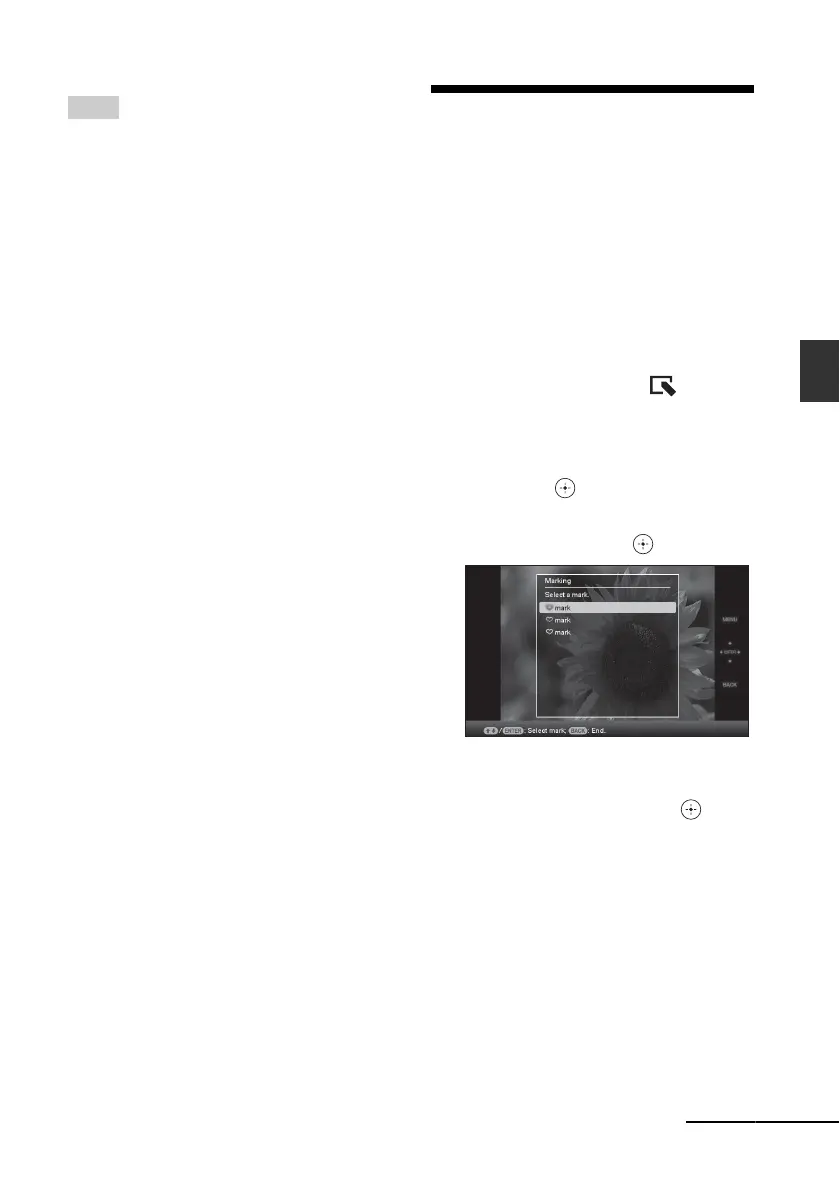
4 Press v/V to select the mark you
want and then press .
5 Press v/V to select [Mark this
image], [Selected images] or [Mark
all images] and then press .
If you select [Mark this image], the image
currently displayed will be marked and
showed in the future. Go to step 7. (This
item cannot be selected on the slideshow
display.)
If you select [Selected images], you can
select the image to which you want to
attach a mark from the image list. Go to
step 6.
If you select [Mark all images], the image
list is displayed. A check mark is attached
Continued














 To Next Page