44
GB
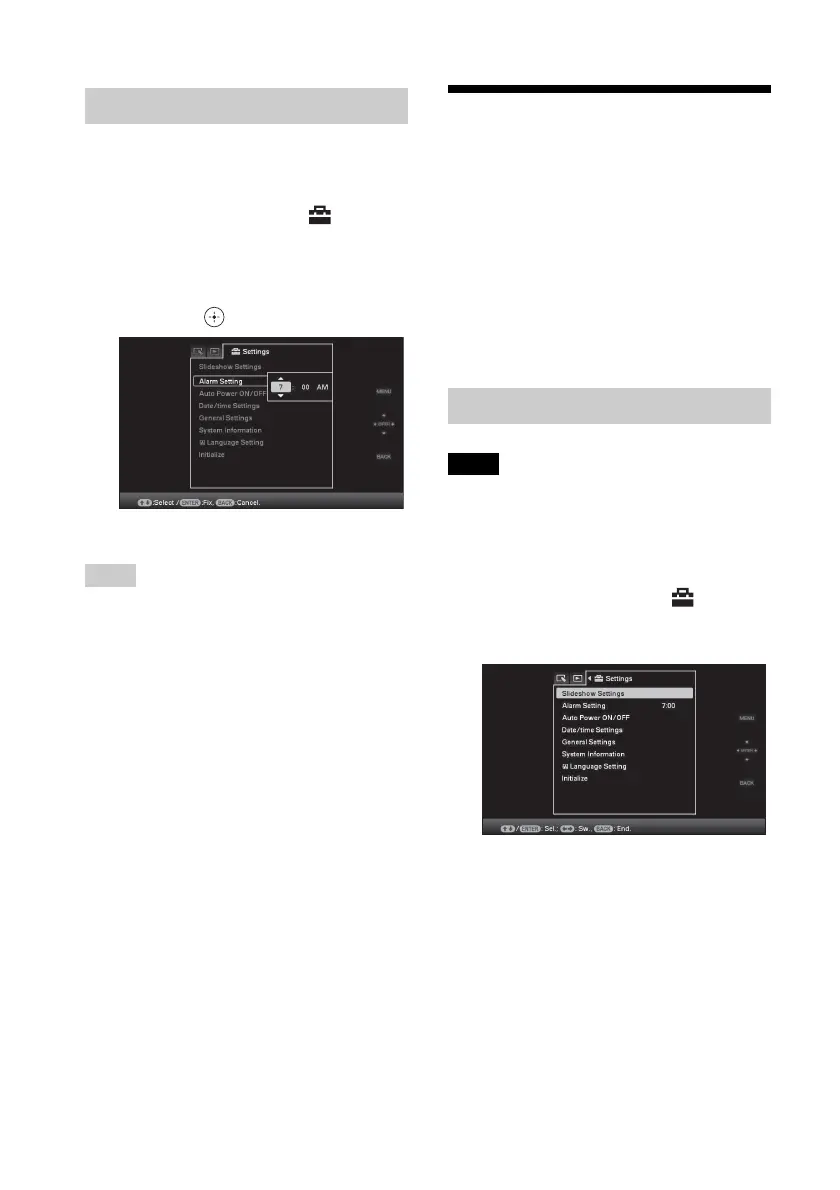
1 Press MENU.
The menu is displayed.
2 Press B/b to select the
(Settings) tab.
The settings screen is displayed.
3 Press v/V to select [Alarm Setting]
and press .
4 Press v/V to set the time you want.
Tips
• To set the clock, refer to “Setting the current time”
(page 20).
• Auto power on/off will not function during alarm is
set off.
• When alarm sets off at scheduled time, power will
also turn on regardless of auto off settings. Main
power needs to be set at ON for alarm to operate.
Changing the settings
You can change the following settings.
• Slideshow Settings
• Alarm Setting
• Auto power ON/OFF
• Date/time settings
• General Settings (Listing Order, Sony logo
ON/OFF etc,.)
• Language setting
• Initialize
Note
Only internal memory can be formatted.
1 Press MENU.
The menu is displayed.
2 Press B/b to select the
(Settings) tab.
The settings screen is displayed.
Setting the time to be alarmed
Setting procedure














 To Next Page