Basics
Charging the battery
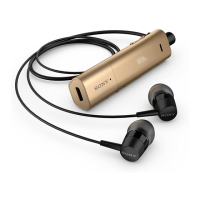
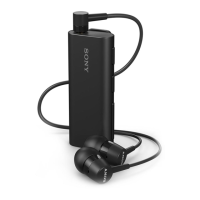
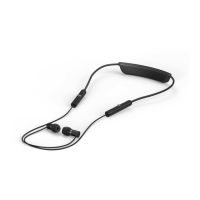
Before using the Stereo Bluetooth® Headset SBH80 for the first time, you need to
charge the headset for approximately 2.5 hours. Sony chargers are recommended.
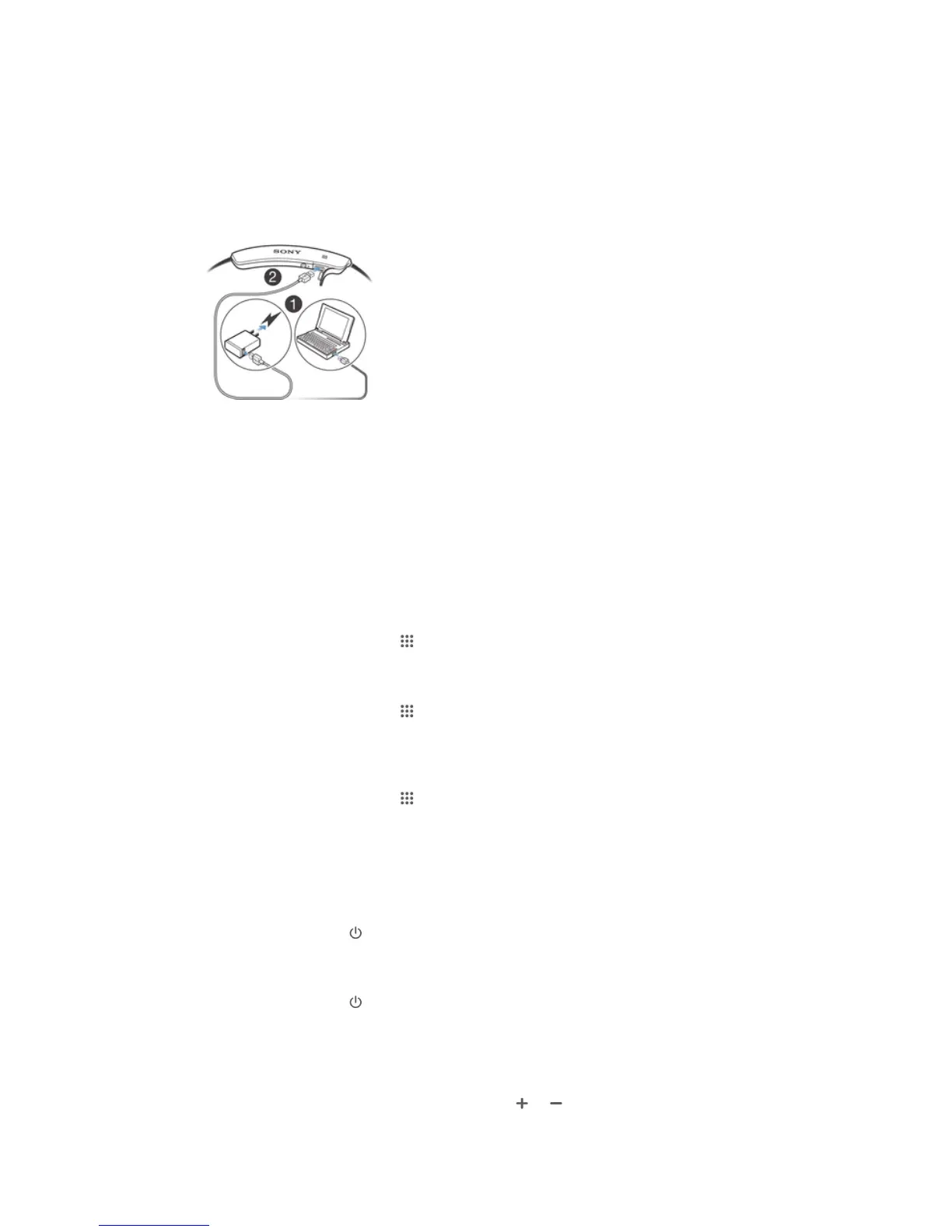
To charge your headset
1
Plug one end of the USB cable into the charger or into the USB port of a
computer.
2
Plug the other end of the cable into the Micro USB port of your Stereo
Bluetooth® Headset SBH80 device.
Battery and power management
You can view an estimate of how much time is left before the battery of your headset
runs out and get notified when the battery reaches a critically low level. You can also
receive a reminder to charge your headset when you start charging a device that is
paired with your headset.
To view the estimated battery time
1
From your Home screen, tap
.
2
Find and tap Settings > Power management > Accessory.
To enable the critical battery level notification
1
From your Home screen, tap .
2
Find and tap Settings > Power management > Accessory.
3
Mark the Critical battery level notification checkbox.
To enable the charging reminder notification
1
From your Home screen, tap
.
2
Find and tap Settings > Power management > Accessory.
3
Mark the Charger reminder checkbox.
Turning the headset on and off
To turn on the headset
•
Press and hold down
until the headset vibrates and the notification light
turns green.
To turn off the headset
•
Press and hold down until the headset vibrates.
Adjusting the volume
To change the call or music volume
•
During a call, or when listening to music, press or .
5
This is an Internet version of this publication. © Print only for private use.


 To Next Page