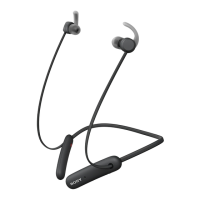
Getting started
Preparing to use your headset with a Bluetooth® device
Before you can start using your headset with a Bluetooth® device, you need to pair
the headset with the Bluetooth® device manually using Bluetooth® or automatically
using NFC.
To manually pair your headset with a Bluetooth® device
1
Bluetooth® device: Make sure the Bluetooth® function is turned on.
2
Turn off your headset.
3
Headset: Press and hold down until the headset vibrates and a cyan-
coloured notification light flashes continuously.
4
Bluetooth® device: Scan for Bluetooth® devices, then select Stereo
Bluetooth® Headset SBH80 in the list of available devices.
5
Bluetooth® device: Follow the pairing instructions that appear on the screen.
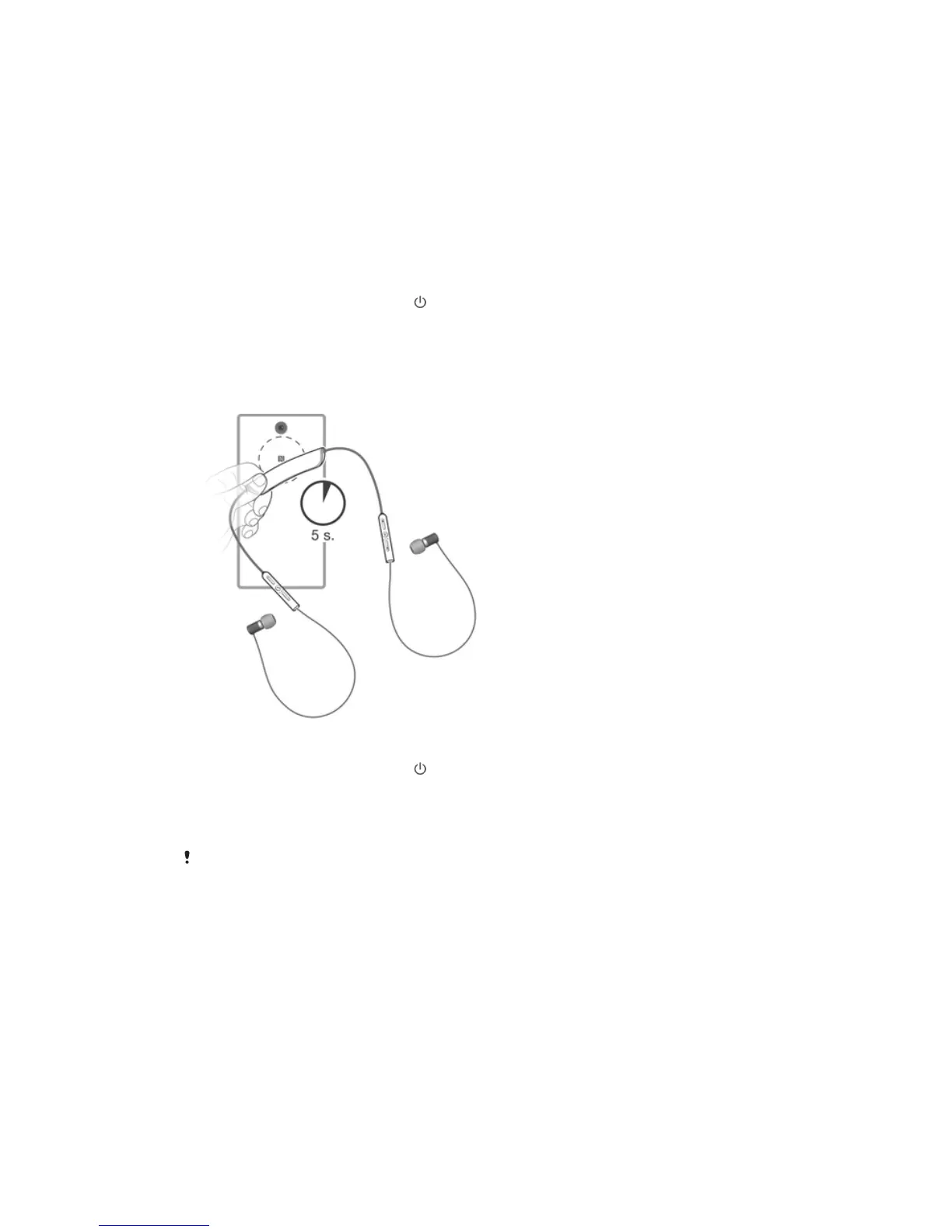
To automatically pair your headset with a Bluetooth® device
1
Bluetooth® device: Make sure that the NFC function is turned on and that the
screen is active and unlocked.
2
Headset: Press and hold down until the headset vibrates and a cyan-
coloured notification light flashes continuously.
3
Place the Bluetooth® device over your headset so that the NFC detection area
of each device touches the other.
4
Bluetooth® device: Follow the pairing instructions that appear.
The device used in this illustration is for illustration purposes only and may not accurately
depict the actual device used.
7
This is an Internet version of this publication. © Print only for private use.


 To Next Page