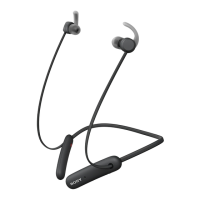
Resetting the headset
Reset the headset if it behaves unexpectedly. Resetting the headset removes all
information about paired devices.
To reset the headset
1
Turn off the headset, then connect the charger so that the headset starts to
charge.
2
Press and hold down until the headset vibrates briefly.
Wearing instruction
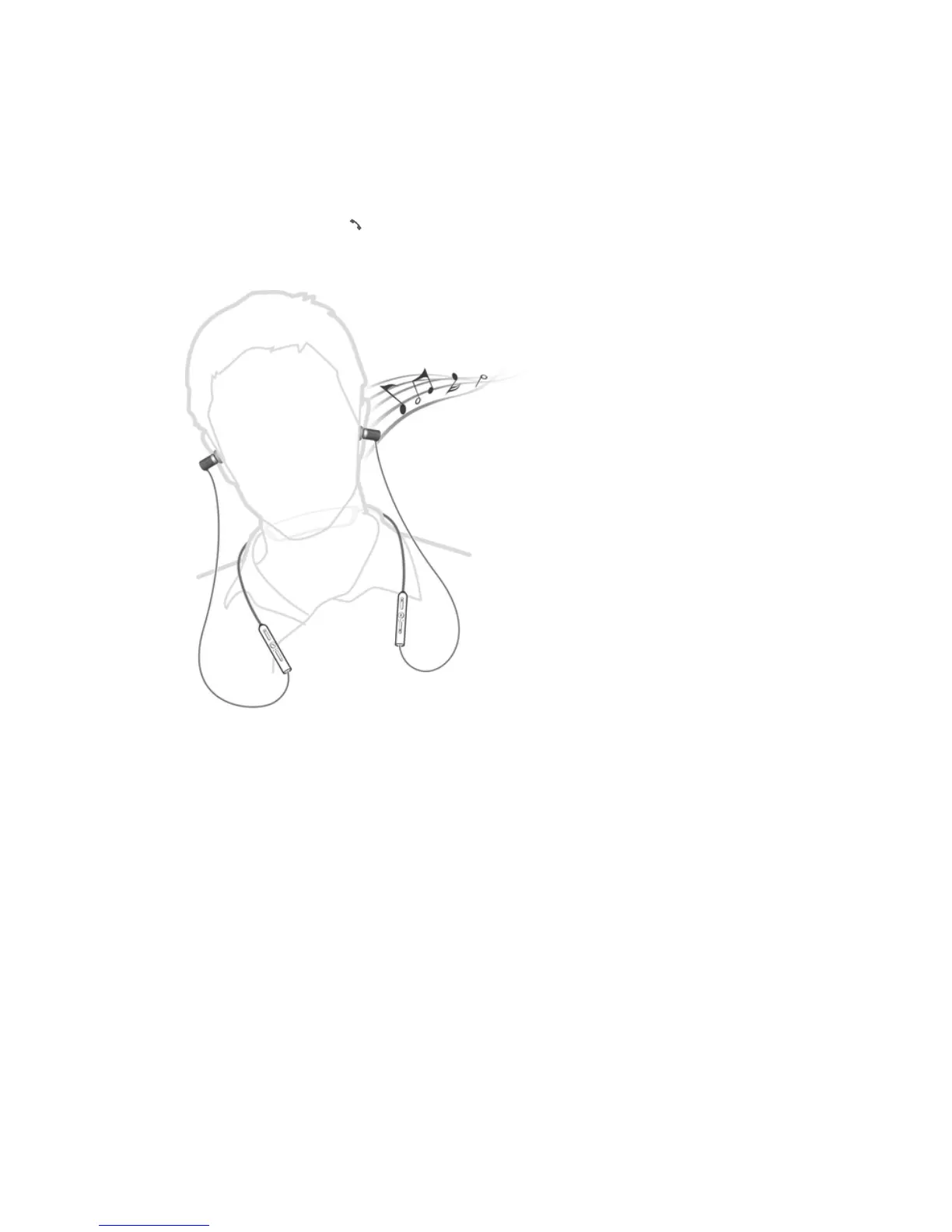
To get the best performance from your headset when using it outdoors, it is
recommended that you carry the device that you have paired with the headset on the
same side of your body as the antenna of the headset unit.
6
This is an Internet version of this publication. © Print only for private use.


 To Next Page