Playing Discs
20
GB
Repeating the current track
(Repeat 1 Play)
While the track you want to repeat is being played,
press REPEAT repeatedly until “REPEAT 1” appears in
the display.
Repeat 1 Play starts.
To stop Repeat 1 Play
Press x.
To resume normal play
Press REPEAT repeatedly until “REPEAT 1” goes off.
Repeating a specific portion within a
track (Repeat A-B Play)
You can specify one portion within a track to be played
repeatedly. Note that the portion that you specify must be
within the boundaries of a single track.
1 While the player is playing, press AyB at the
starting point (point A) of the portion to be played
repeatedly.
“REPEAT” appears and “A” flashes in the display.
2 Continue playing the track (or press M) to locate
the ending point (point B), then press AyB.
“REPEAT A-B” appears and Repeat A-B Play starts.
To stop Repeat A-B Play and resume normal play
Press REPEAT or x.
z
You can set a new starting point and ending point during
Repeat A-B Play
You can change the current ending point to a new starting point,
then specify a new ending point to repeat another portion right
after the current portion.
1 During Repeat A-B Play, press AyB.
The current ending point changes to the new starting point
(point A).
“REPEAT” lights up and “A-” flashes in the display.
2 Locate the new ending point (point B) and press AyB.
“REPEAT A-B” lights up and the player starts to repeat the
newly specified portion.
When you want to restart from the starting point A, press H
during AyB repeat.
Playing Tracks Repeatedly Z
Playing Tracks in Random
Order (Shuffle Play) Z
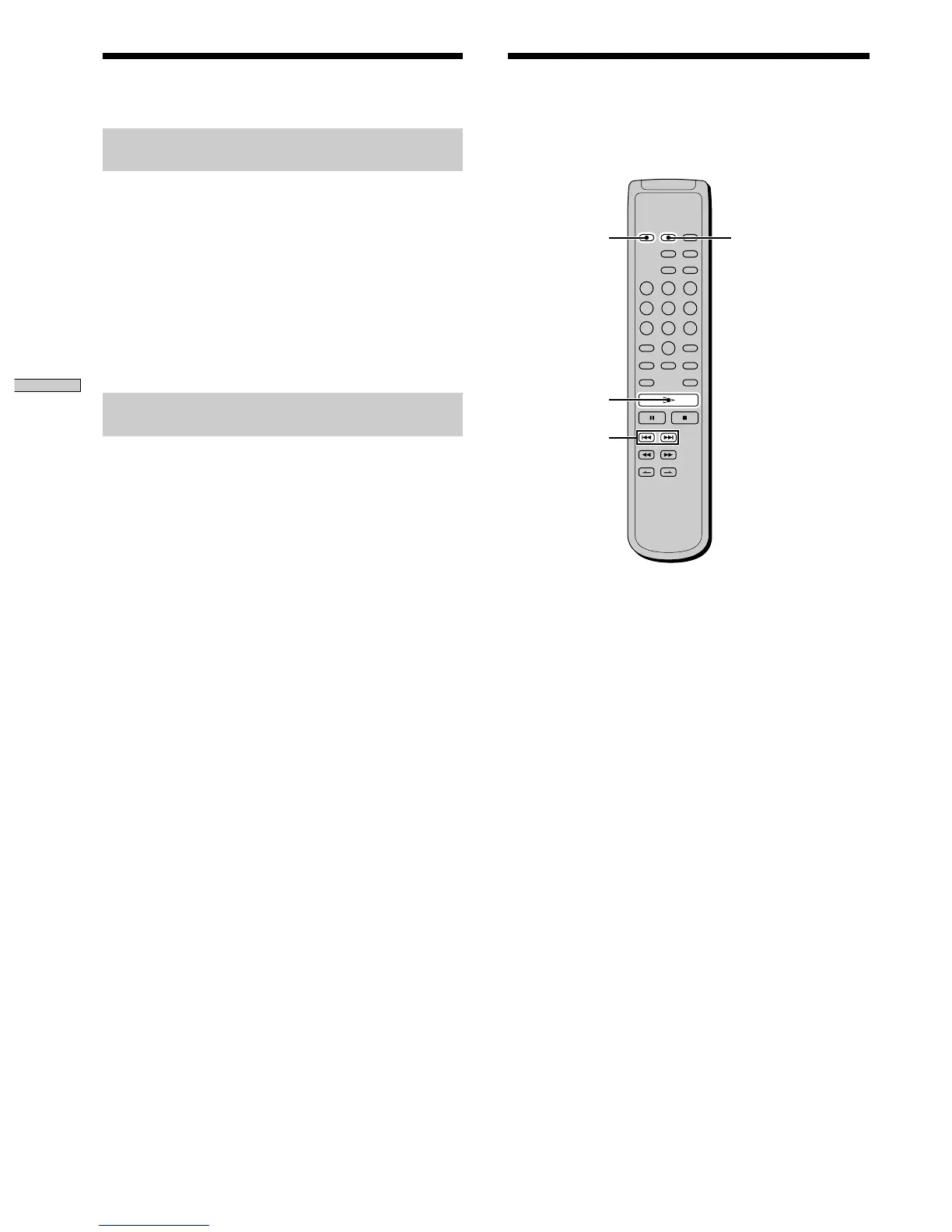
When you select Shuffle Play, the player plays all the
tracks on the disc in random order.
1 Press SHUFFLE in stop mode.
2 Press H.
Shuffle Play starts.
“;” appears while the player is “shuffling” the tracks.
The player will stop after playing all the tracks once.
To resume normal play
Press CONTINUE.
z
You can locate tracks during Shuffle Play
Press ./>.
Press > to locate the next track or press . to locate the
beginning of the current track. The player does not go back to
tracks which have already been played.
H
CONTINUE
SHUFFLE
./>



 To Next Page