38 US
C Operation with the
Mouse
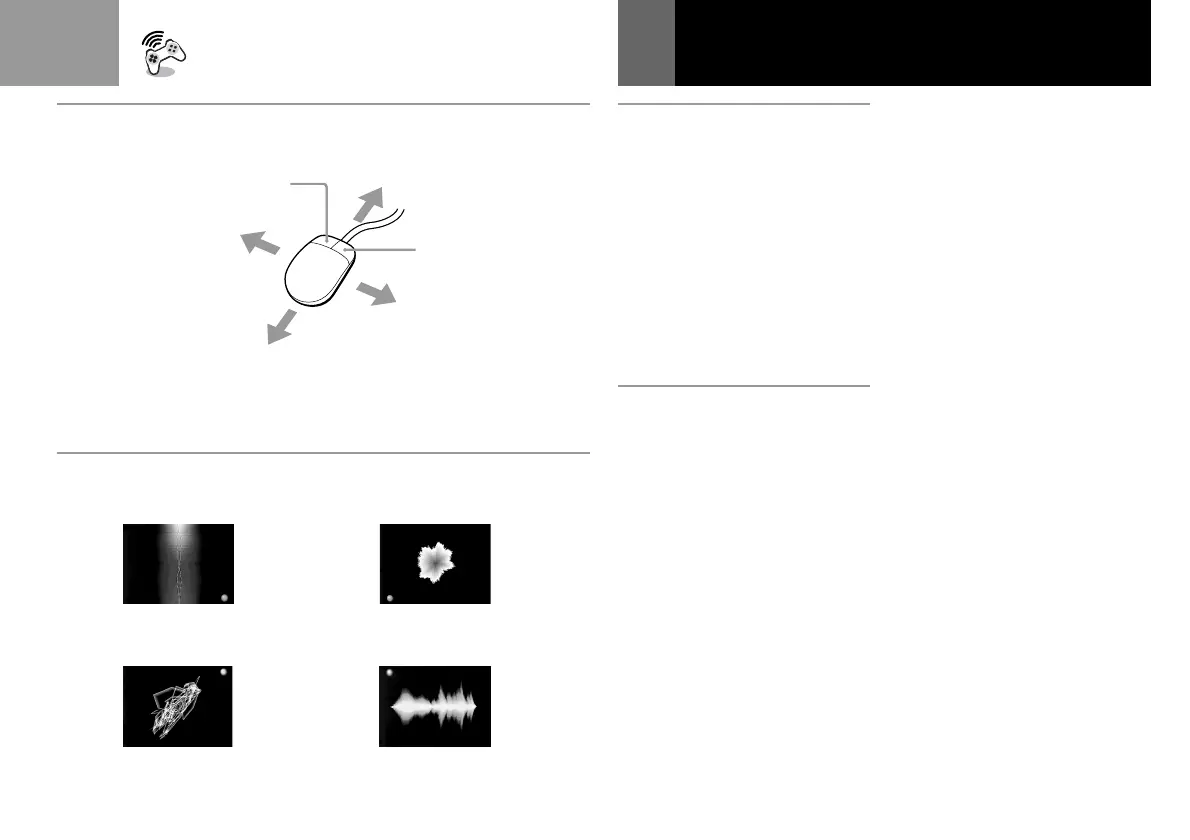
You can also operate SoundScope
using the Mouse (SCPH-1090U:
sold separately). Refer to B for the
operation evoked.
For the CD operation screen
• To move the mouse pointer (+):
Move the Mouse.
• To select the items: Press the left
button.
D Additional operations
To change the size of the image
Press the directional buttons (up or
down) while holding down the ✕
button.
To change and store the
settings
1 During playback, press the
R1 button while holding
down the ✕ button.
A round mark flashes on the
lower right of the screen
(Dqf).
2 Operate the controller.
While the round mark is
displayed, any changes you
make to the SoundScope
operation with the controller
are stored.
Enjoying SoundScope (Continued)
3 When you are finished, press
the R1 button while holding
down the ✕ button.
The round mark disappears
and the procedure is
completed.
Note
Do not unplug the controller during
these procedures.
To switch to stored settings
1 During playback, press the L1
button while holding down
the ✕ button.
A round mark appears on the
lower left of the screen
(Dqg), and the SoundScope
image is transformed by the
stored operation.
2 Press the L1 button while
holding down the ✕ button.
The round mark disappears
and the procedure is
cancelled.
Tip
Your stored setting is lost when you turn
off the PlayStation® (PS one
™
). If you
want to keep the data, you can save and
load it using a memory card with one
memory block.
(Continued)
C
Bqa
B9
B6
Bqd
Bqd
B8
D
qf qg
qh qj



 To Next Page