67
Changing the angles
DVD Additional Operations
Changing the angles
Note
• Depending on the DVD VIDEO, you may not be able to change the angles even if multi-
angles are recorded on the DVD VIDEO.
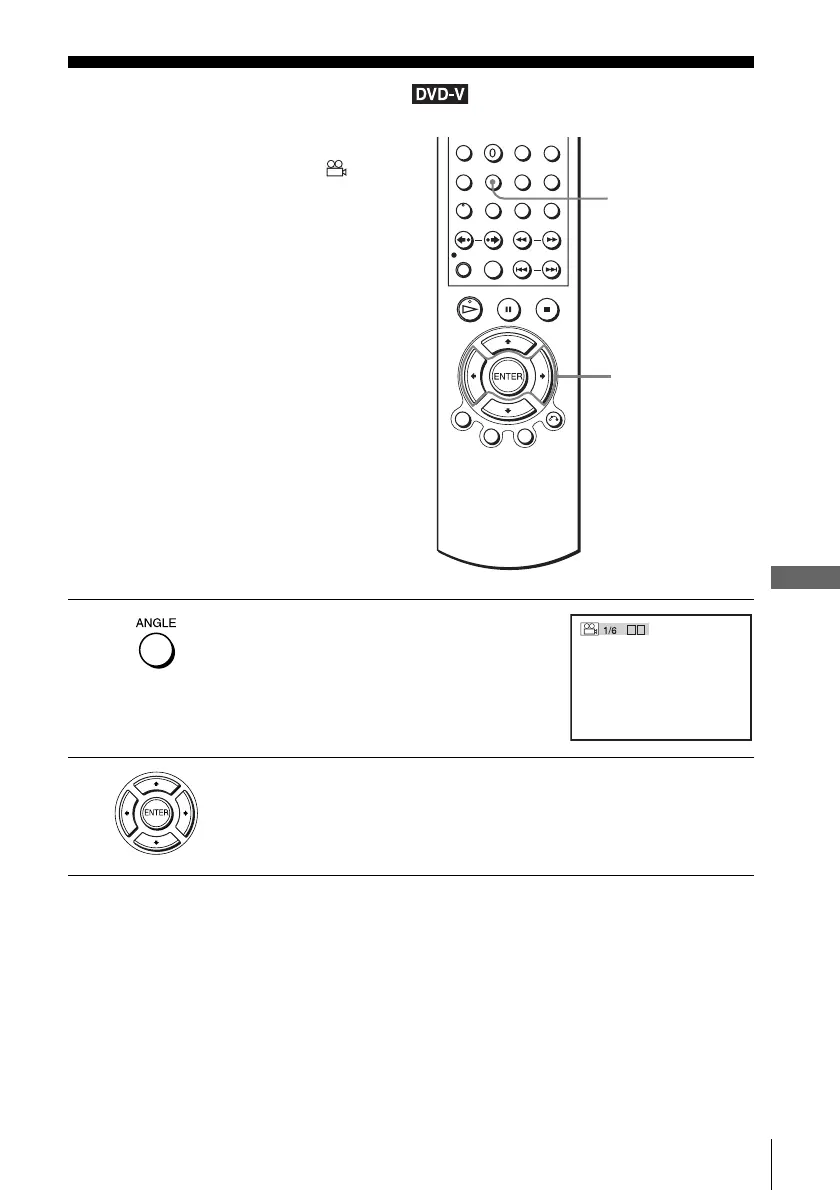
If various angles (multi-angles) for a scene
are recorded on the DVD VIDEO, “ ”
appears in the display window. This means
that you can change the viewing angle.
1
Press ANGLE during playback.
The angle number appears on the display.
The number after the slash indicates the total
number of angles.
2
Press B/b repeatedly to select the angle number.
The scene changes to the selected angle.
ANGLE
B/b
b
B














 To Next Page