96
Editing with another VCR
Operation (when recording on this VCR)
To stop editing
Press the x (stop) buttons on both VCRs.
Tip
• To cut out unwanted scenes while editing, press X on this VCR when an unwanted scene
begins. When it ends, press X again to resume recording.
Before you start editing
• Turn on the VCR and the TV and set
it to the video channel.
• Press INPUT SELECT to display
“L1” or “L2” in the display window.
• Press SP/EP to select the tape speed,
SP or EP.
1
Insert a source tape with its safety tab removed into the other (playback) VCR.
Search for the point to start playback and set it to playback pause.
2
Insert a tape into this (recording) VCR. Search for the point to start recording
and press X.
3
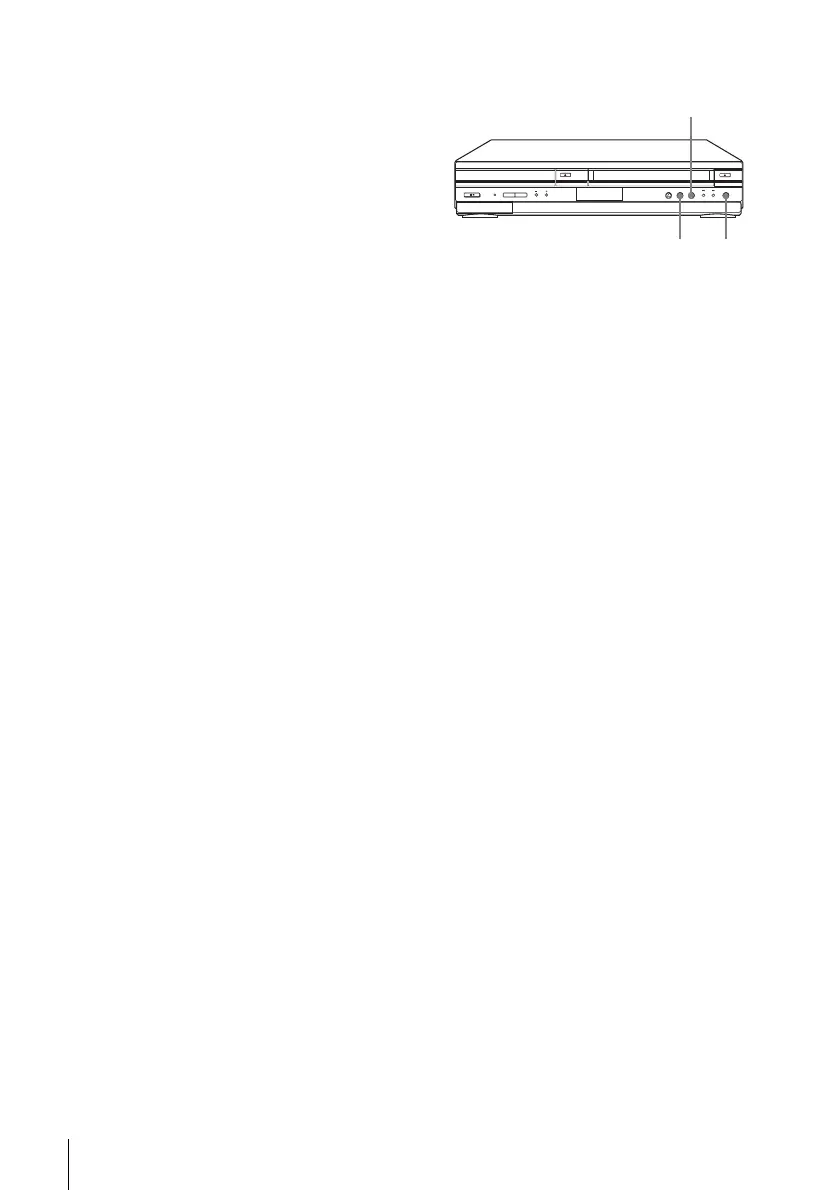
Press z REC on this VCR to set it to recording pause.
4
To start editing, press the X (pause) buttons on both VCRs at the same time.
z REC
X
x














 To Next Page