90
Searching using various functions
Searching using various functions
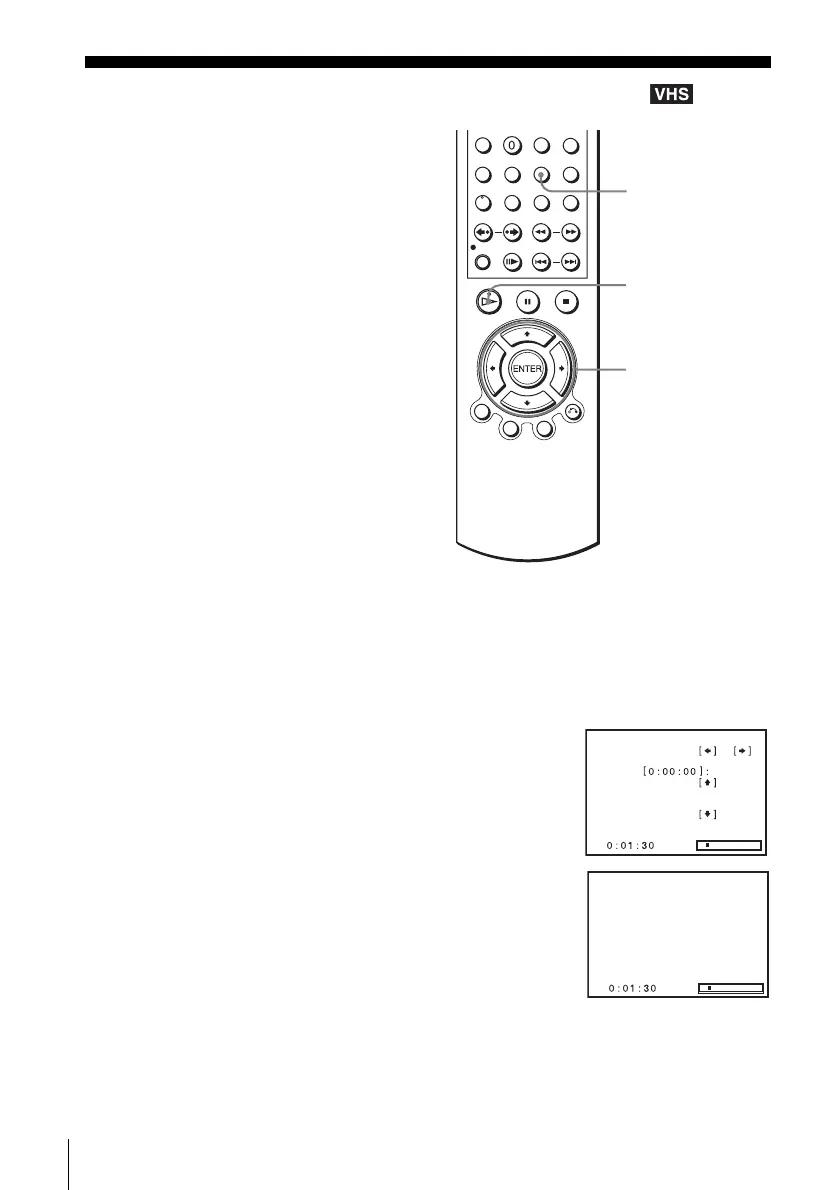
To search using the index function (Scan and Play)
The VCR automatically marks the tape with an index signal at the point where each
recording begins. Use these signals as references to find a specific recording.
The VCR automatically marks the tape with
an index signal at the point where each
recording begins.
You can easily find a specific point using
various search functions.
1
Insert an indexed tape into the VCR.
2
Press SEARCH.
3
Press b to scan ahead, or B to scan backwards.
The VCR searches and then plays back for about five
seconds.
4
Press H PLAY to view that program.
If you do not press H PLAY, the VCR automatically searches for the next index
mark, or until it reaches the end of the tape.
SEARCH
V/v/B/b
H PLAY
Scan and play:
Go to
End search:
Press
Press
Press
or
Scan and play














 To Next Page