19
Getting Started
Getting Started
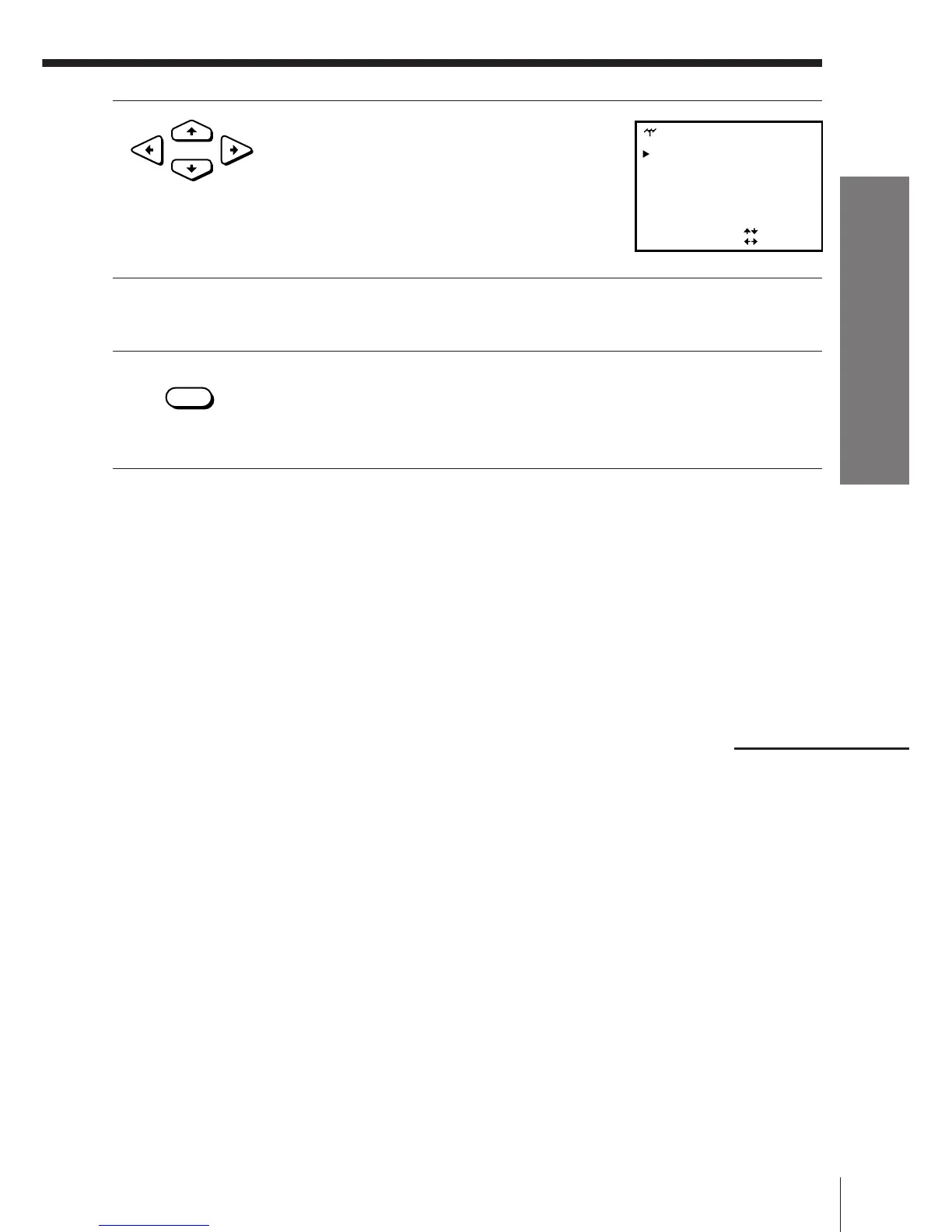
7 If the TV sound is distorted or noisy, press
CURSOR >/./?// to move the cursor
(”) to SYSTEM, then select B/G or D/K so
that you get the better sound.
8 To allocate another channel to another programme position, repeat
steps from 5 to 7.
9 Press OK.
Disabling unwanted programme positions
After presetting channels, you can disable unused programme positions.
The disabled positions will be skipped later when you press the PROG +/–
buttons.
1 In step 6 above, press programme number button “0” twice to display
the number “00” beside CHANNEL SET.
2 Press OK.
continued
• OK
•
CURSOR
NORMAL / CATV
CHANNEL SET [ ]
C
[]NORM
21
SYSTEM [ ]D / K
AFT [ ]ON
FINE TUNING
TUNER
SELECT
SET
:
:
PROG 4



 To Next Page