Getting Started10
Step 4
Tuning your TV to the VCR
If you have connected the VCR to your TV using the EURO-AV cable, skip
this step.
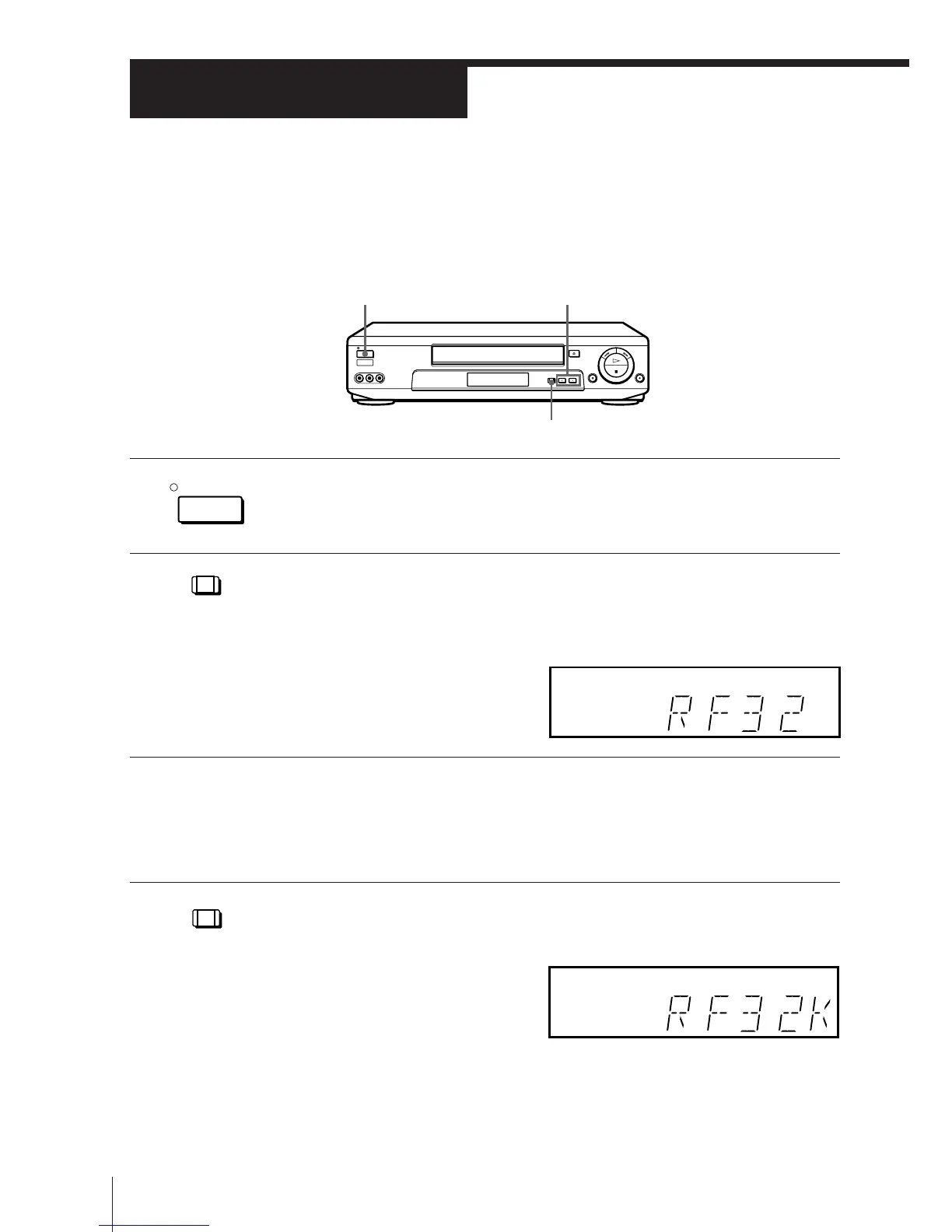
ON/STANDBY
PROGRAM +/–
RF CHANNEL
1 Press ON/STANDBY to turn on the VCR.
2 Press RF CHANNEL on the VCR.
The factory-preset RF channel appears in the display window.
The VCR signal is output through this channel to the TV.
3 Turn on your TV and select a programme position for the VCR
picture.
This programme position will now be referred to as the video
channel.
4 Press RF CHANNEL.
The TV system appears in the display window.
RF CHANNEL
RF CHANNEL
ON/STANDBY



 To Next Page