Getting Started14
Step 6 : Setting the clock (continued)
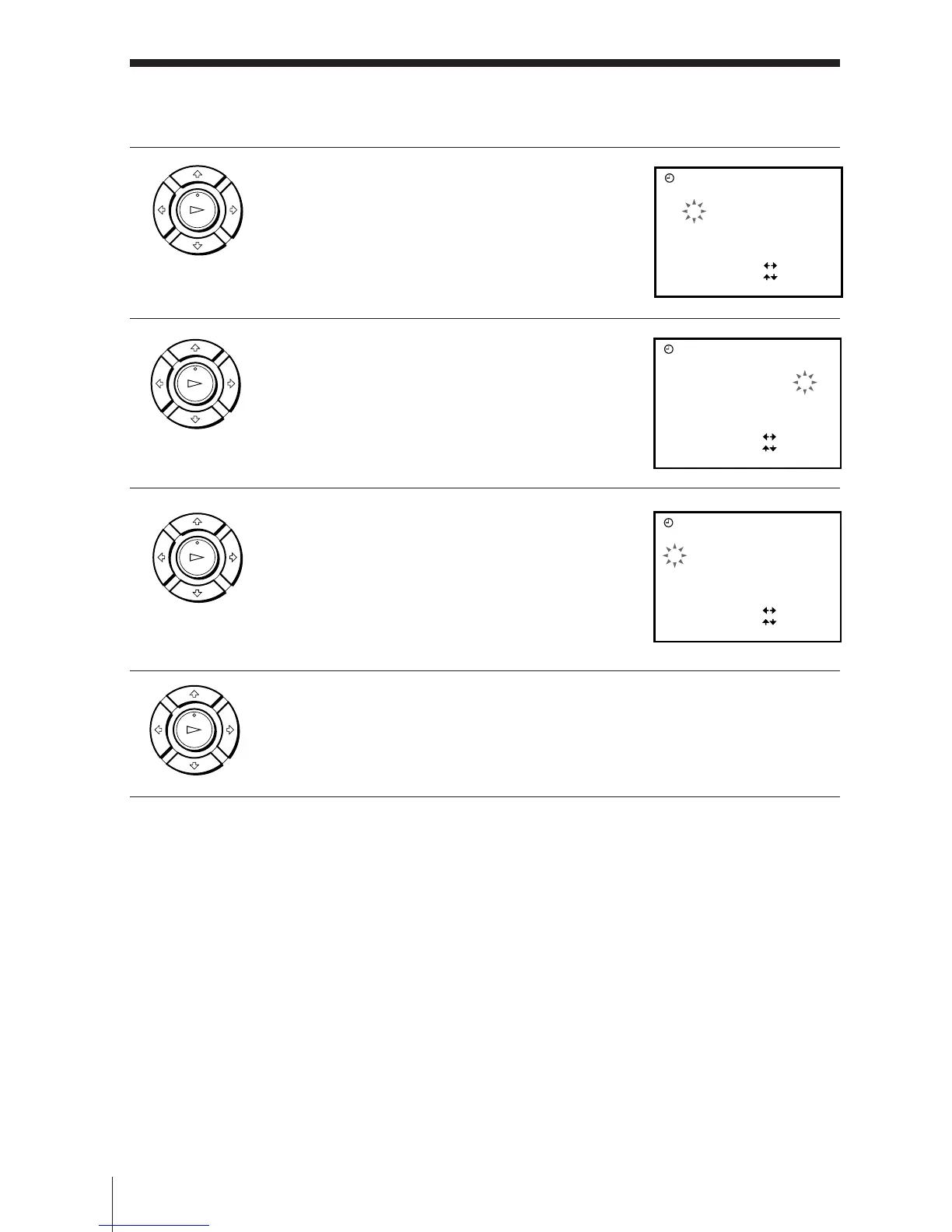
4 Press / to flash the month and set the
month pressing >/..
5 Set the year, hour, and minutes in
sequence, pressing / to flash the item to
be set, and press >/. to select the digits.
The day of the week is set automatically.
6 Press / to start the clock.
7 Press OK.
Tip
• To change the digits during setting, press ? to return to the item to be changed,
and select the digits pressing >/..
Note
• The menu disappears automatically if you don’t proceed for more than a few
minutes.
OK
PLAY
OK
PLAY
OK
PLAY
OK
PLAY
CLOCK
29TU8
SELECT
SET
END
:
:
:
1.1. 9
OK
70:00
CLOCK
29FR81
SELECT
SET
END
:
:
:
1.1 . 9
OK
71 5:30
CLOCK
29FR81
SELECT
SET
END
:
:
:
1.1 . 9
OK
71 5:30



 To Next Page